For most WordPress sites, the best Google Analytics plugin for WordPress is MonsterInsights, because it puts readable GA4 reports inside your dashboard with the least setup friction. If you want the free official route, Site Kit by Google does the job. And if what you actually want is analytics without Google at all, the self-hosted options further down this list are quietly excellent.
There is a catch nobody in these comparisons talks about, and it decides more than any feature list. Every analytics plugin has a cost in page speed, and the cost is not the same across this list. Some of these plugins load Google's tracking script plus their own loader on every visit. Some load one small self-hosted script. A few load nothing on the front end at all beyond a single request. Coming from a theme company that spends its days shaving page weight, that difference is the axis this list is ranked on, alongside what the reports actually tell you.
Every install count, rating, and last-updated date below was pulled from the WordPress.org API on 17 August 2026. Where a plugin's numbers are quoted, you can check them yourself in one click.
Table of Contents
- Google Analytics plugins compared
- Do you even need a Google Analytics plugin?
- What analytics plugins cost you in page speed
- The 11 best Google Analytics plugins for WordPress
- 1. MonsterInsights
- 2. Site Kit by Google
- 3. Analytify
- 4. GA Google Analytics
- 5. Independent Analytics
- 6. Burst Statistics
- 7. Koko Analytics
- 8. WP Statistics
- 9. Matomo Analytics
- 10. Conversios
- 11. Beehive Analytics
- How to choose the right analytics plugin
- FAQs about Google Analytics plugins for WordPress
- Final thoughts on Google Analytics plugins for WordPress
Google Analytics plugins compared
| Plugin | Best for | Active installs | Rating | Last updated |
|---|---|---|---|---|
| MonsterInsights | Most sites, GA4 reports in the dashboard | 2,000,000+ | 4.5 (3,147) | 29 Jul 2026 |
| Site Kit by Google | The free official route | 5,000,000+ | 4.2 (1,008) | 10 Aug 2026 |
| Analytify | Per-post reports for content teams | 20,000+ | 4.7 (487) | 4 Aug 2026 |
| GA Google Analytics | The lightest way to keep GA4 | 400,000+ | 4.9 (158) | 10 Aug 2026 |
| Independent Analytics | Privacy-first, no Google account | 100,000+ | 4.8 (165) | 10 Aug 2026 |
| Burst Statistics | Self-hosted stats with a real dashboard | 200,000+ | 4.9 | Jul 2026 |
| Koko Analytics | The minimal self-hosted option | 60,000+ | 5.0 (242) | 6 Aug 2026 |
| WP Statistics | Long-running self-hosted suite | 600,000+ | 4.1 (757) | 25 Jul 2026 |
| Matomo Analytics | A full Google Analytics replacement | 100,000+ | 4.6 (177) | 4 Aug 2026 |
| Conversios | WooCommerce and ads tracking | 10,000+ | 4.3 (204) | 12 Aug 2026 |
| Beehive Analytics | Multisite networks | 20,000+ | 4.5 (13) | 23 May 2026 |
Do you even need a Google Analytics plugin?
No, and it is worth being honest about that before the list.
You can create a GA4 property, copy the measurement tag, and paste it into your site's header yourself. Many themes include a slot for exactly this, and if yours does not, a small code-snippets plugin can hold it. Google's data collection works identically either way, and what a plugin adds is everything around the tag, meaning setup without touching code, reports inside WordPress, event tracking you do not have to configure by hand, and consent handling.
Paste the tag manually if you are comfortable in GA4's own interface and want zero added weight from a plugin. Use a plugin if you want the numbers where you already work, or if the phrase “configure events in GA4” makes you close the tab. Both are legitimate choices, and the manual route costs nothing.
What analytics plugins cost you in page speed
Here is the part the vendor comparisons skip, and the reason this list is ordered the way it is.
Google Analytics itself loads a JavaScript file on every page view. That is true however you install it. The question is what a plugin adds on top, and the answers fall into three groups.
The dashboard plugins, meaning MonsterInsights, Site Kit, Analytify, and friends, load Google's script plus their own connector code, so the convenience of in-dashboard reports rides on extra front-end weight on every single visit. Lightweight connectors like GA Google Analytics print the Google tag and stop, adding almost nothing of their own. And the self-hosted group, meaning Independent Analytics, Burst, Koko, WP Statistics, and Matomo, skips Google's script entirely and replaces it with one small local request, which usually makes them the lightest real-tracking option on this list and immune to ad blockers that eat Google's script.
There is a second cost nobody mentions, and that is the admin side. Report dashboards, background report generation, and database writes on every visit (how most self-hosted plugins store data) all consume server resources. On cheap shared hosting, a heavy stats plugin can slow the whole site down in a way no front-end test shows you.
How to measure the impact on your own site
Do not take any plugin's word for it, including the ones on this list, because the test takes ten minutes. Open an incognito window, load your homepage with the browser's network tab open, and note the request count and total transferred size. Activate the analytics plugin, clear your cache, and load the same page again. The difference between those two numbers is what the plugin actually costs your visitors. Run it once before you commit, and again after major plugin updates. If you want a refresher on what those numbers should look like on a healthy site, our guide to the fastest WordPress themes shows the baseline a light theme gives you, and for store owners the same method appears in our walkthrough on how to speed up a WooCommerce store.
The 11 best Google Analytics plugins for WordPress
One disclosure before the list, stated plainly rather than in a footer, is that MonsterInsights and aThemes are both Awesome Motive companies. It earns its place at the top of this list on install base and polish, but you deserve to weigh that sentence yourself, and the self-hosted alternatives below are covered with the same care.
1. MonsterInsights
MonsterInsights is the most popular dedicated Google Analytics plugin for WordPress, at 2,000,000+ active installs, and the reason is straightforward. It turns GA4, which most site owners find genuinely hostile, into readable reports inside the WordPress dashboard.
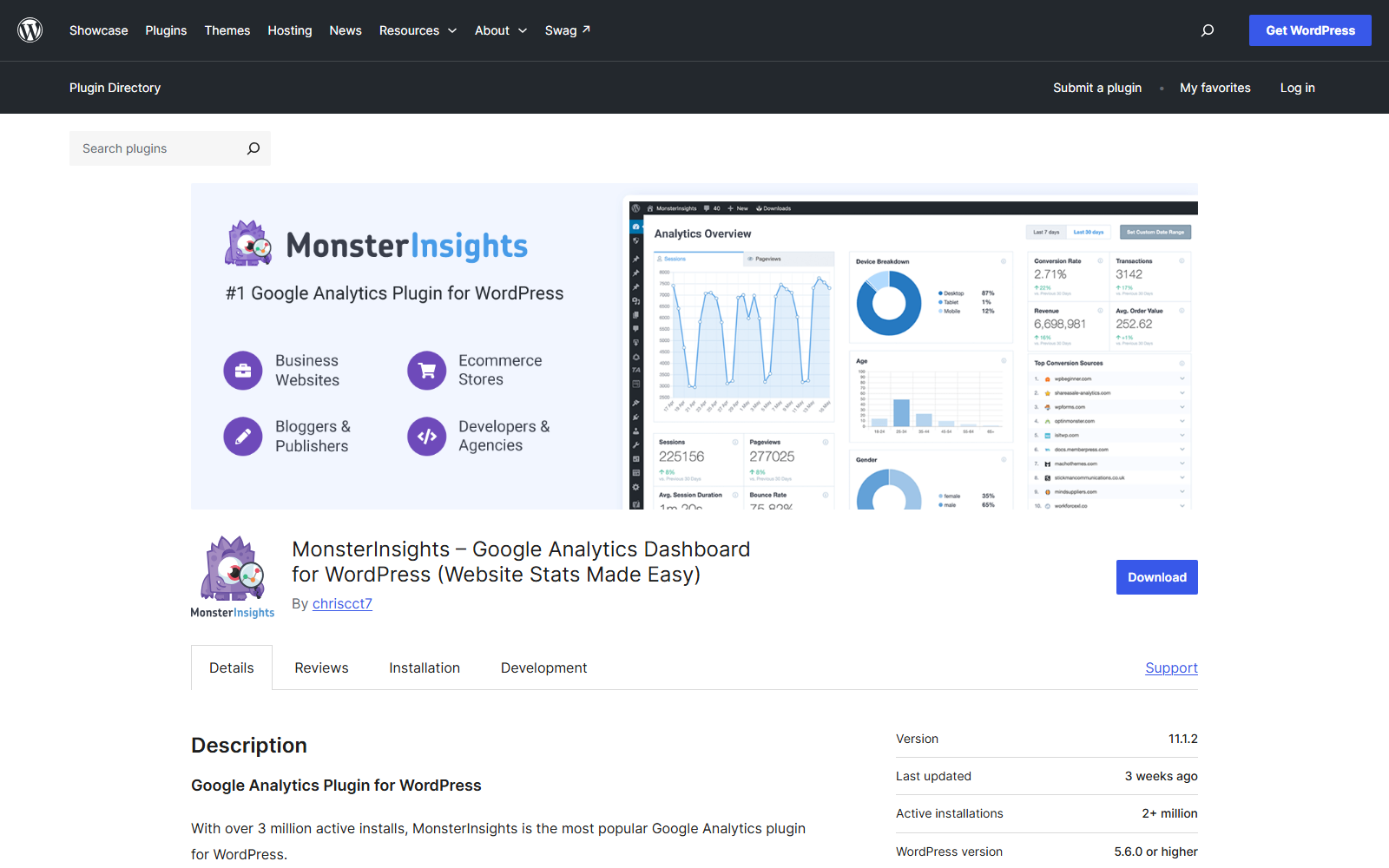
Setup is a wizard rather than a tag paste, and the free version covers the essentials of audience and behavior reporting. The paid tiers add ecommerce tracking, form tracking, and custom dimensions. One number worth correcting from other roundups, since several of them still claim three million installs, is that WordPress.org reports 2,000,000+ as of this check. Still the category leader, just not the inflated figure.
Worth knowing
- 2,000,000+ active installs, rated 4.5 from 3,147 reviews
- GA4 reports inside the dashboard, wizard-based setup
- Free tier is genuinely usable, with ecommerce tracking reserved for paid plans
- Loads Google's script plus its own front-end connector, so it sits in the heavier group on page weight
My verdict: MonsterInsights is the best pick for most sites that want to keep Google Analytics and actually read it. Weigh the disclosure above, then weigh the 3,147 ratings.
2. Site Kit by Google
Site Kit is Google's own plugin and the most installed thing on this list at 5,000,000+ sites. It bundles GA4, Search Console, AdSense, and PageSpeed Insights into one dashboard, free, forever.
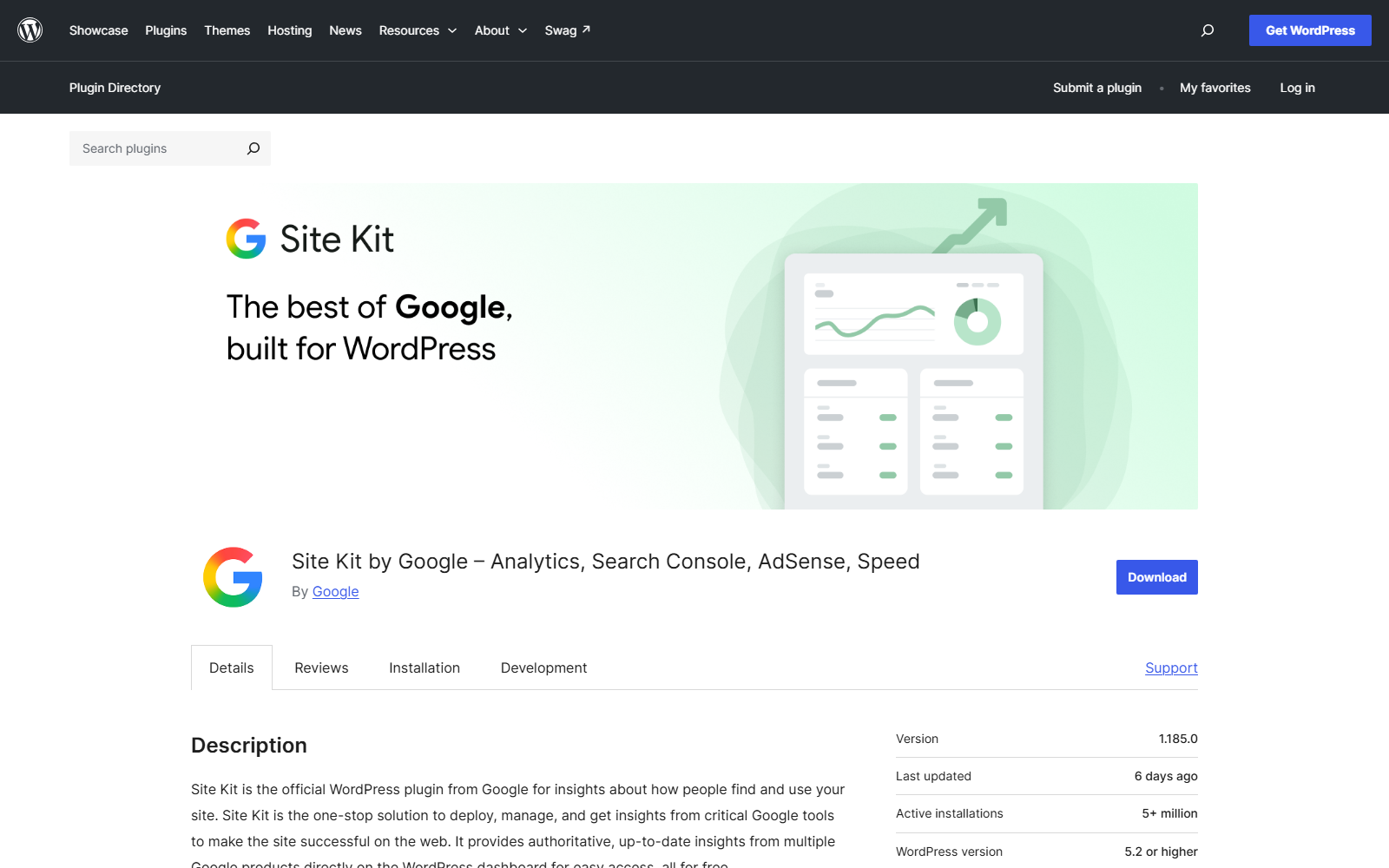
The catch is depth, because Site Kit summarizes rather than analyzes, and the moment you want more than the overview cards, it hands you off to GA4's own interface, which is where the pain started. Its 4.2 rating, the second lowest of the major entries here, mostly reflects setup friction with Google account permissions.
Worth knowing
- 5,000,000+ active installs, rated 4.2 from 1,008 reviews
- The only plugin that also surfaces Search Console data natively
- Completely free with no upsell tier
- Official, so GA4 API changes will never strand it
My verdict: Site Kit is the right free choice if you want official, bundled basics, especially the Search Console view. Pick it for breadth, not depth.
3. Analytify
Analytify's angle is per-content reporting, putting a small analytics panel under each post and page in the editor, so a content team sees how an article performs without leaving it.
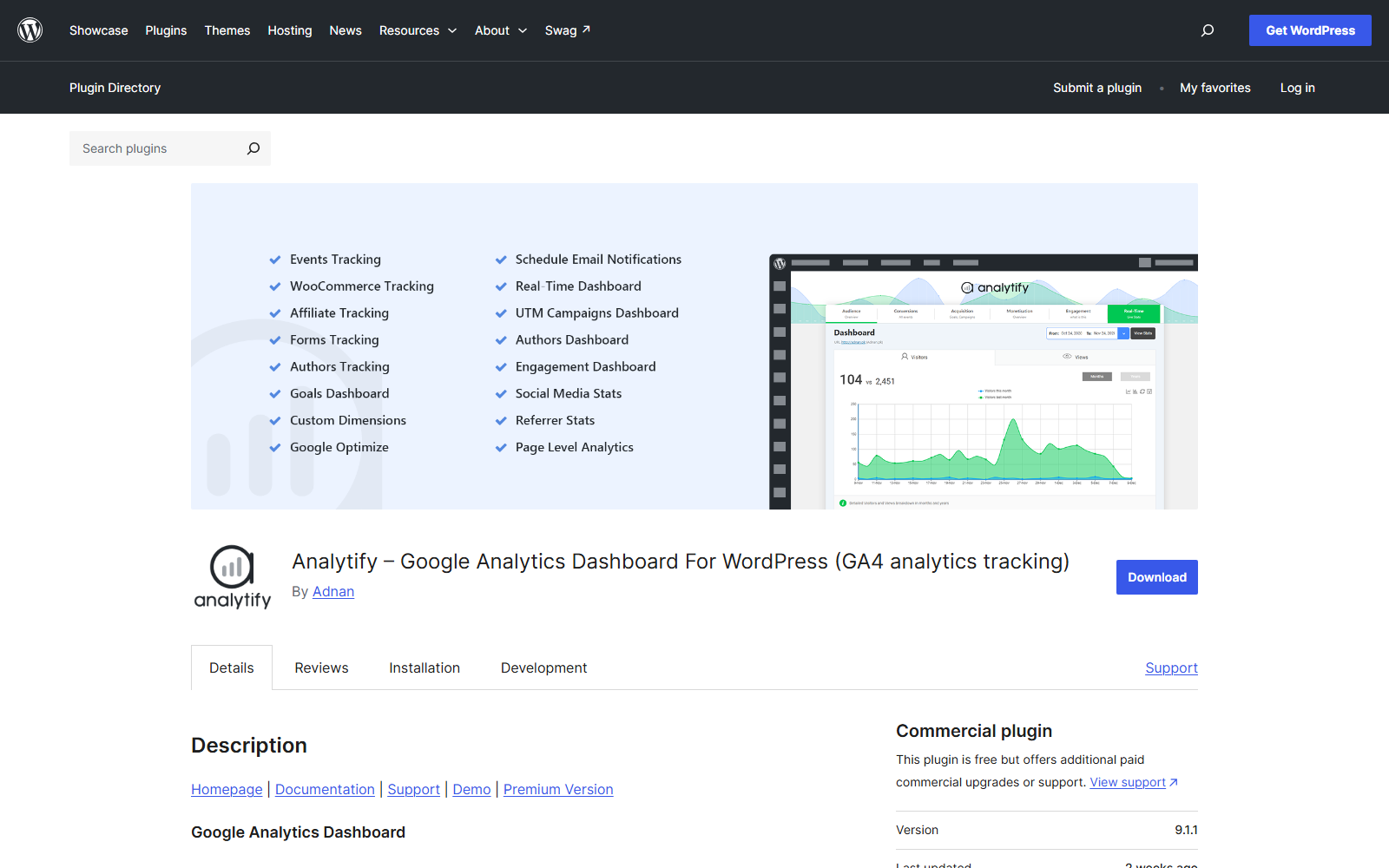
At 20,000+ installs it is a much smaller project than the two above, which is worth weighing against its healthy 4.7 rating and steady updates. For bloggers and editorial teams the per-post view is genuinely the fastest way to answer “did this piece work.”
Worth knowing
- 20,000+ active installs, rated 4.7 from 487 reviews
- Per-post and per-page GA4 reports inside the editor
- Campaign and UTM tracking in the paid tiers
My verdict: Analytify fits content teams who think in posts rather than pageviews. For a whole-site view, the bigger names above serve better.
4. GA Google Analytics
This is the connector, and its 4.9 rating from a 400,000-install base tells you how well it does the one job. It adds your GA4 tag to the site, offers a screen of sensible options, and stops.
No dashboard, no reports, no database tables of its own. You read your numbers in Google Analytics itself, which is exactly what an experienced user wants, and the front-end footprint is as close to the bare tag as a plugin gets.
Worth knowing
- 400,000+ active installs, rated 4.9 from 158 reviews
- Lightest reasonable way to run GA4 through a plugin
- No in-dashboard reporting by design
My verdict: GA Google Analytics is the pick when you are fluent in GA4 and want the plugin to disappear. If you want reports in WordPress, look up the list.
5. Independent Analytics
Independent Analytics is the strongest of the newer privacy-first generation. No Google account, no external calls, no cookie banner requirement in most setups, and a genuinely pleasant dashboard built inside WordPress.
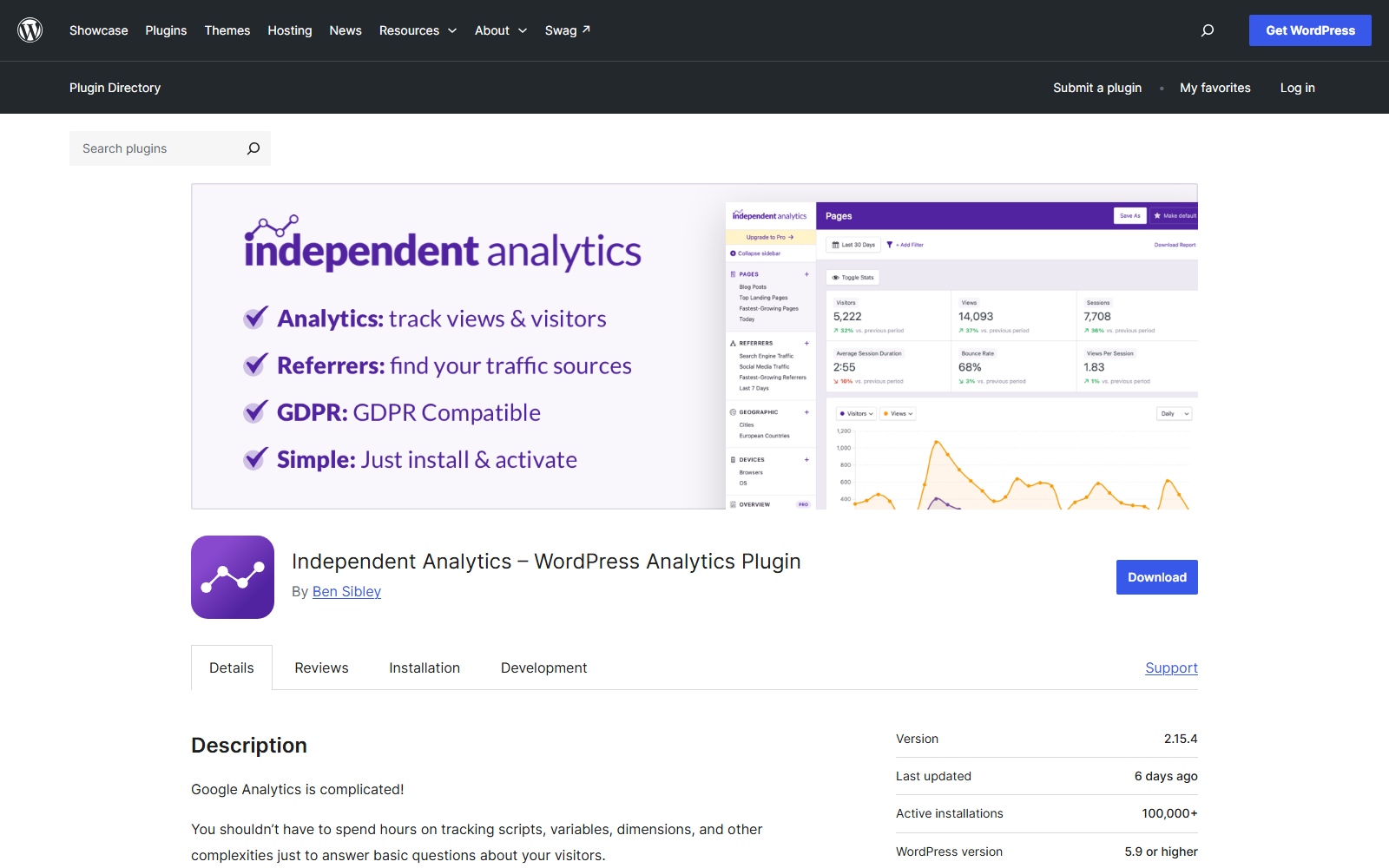
Because tracking is first-party, ad blockers that routinely eat Google's script do not blind it, which means its numbers are often more complete than GA4's for the same site. The trade-off is server-side, since your database does the work Google's servers used to do, which is fine on decent hosting and worth watching on the cheapest shared plans.
Worth knowing
- 100,000+ active installs, rated 4.8 from 165 reviews
- Fully self-hosted, GDPR-friendly, no Google dependency
- No front-end Google script at all
- Ecommerce and campaign tracking in the pro tier
My verdict: Independent Analytics is the best all-round Google Analytics replacement here. If leaving Google is the goal, start with this one.
6. Burst Statistics
Burst comes from the team behind Really Simple SSL and has grown fast to 200,000+ installs on the same promise as Independent Analytics, meaning self-hosted, privacy-first numbers with a real dashboard.
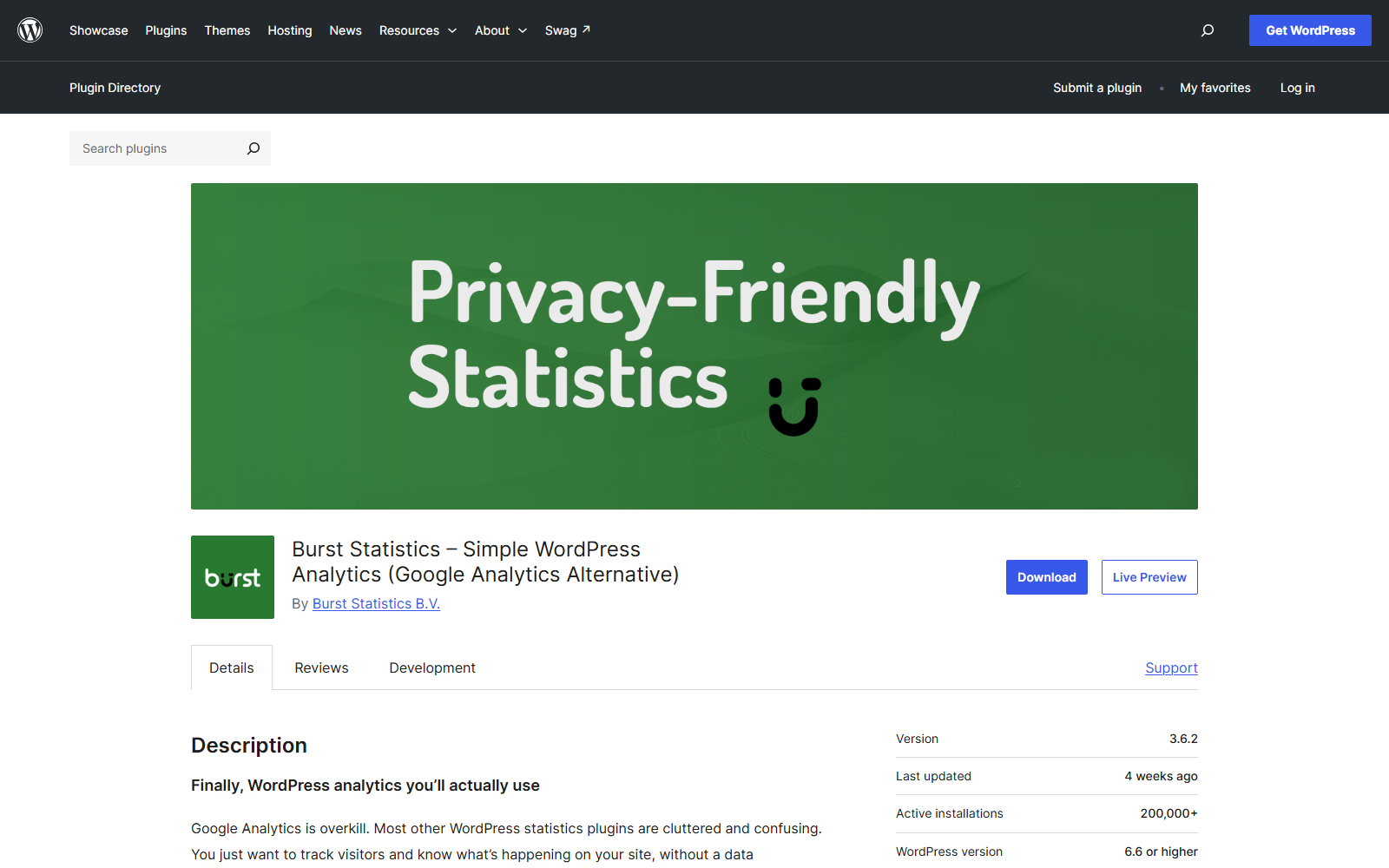
It leans a little more toward goals and conversion moments than Independent does, and its free tier is generous. Between the two, the choice honestly comes down to dashboard taste, and both are safe.
Worth knowing
- 200,000+ active installs, rated 4.9
- Self-hosted with goal tracking in the free tier
- From an established WordPress plugin team
My verdict: Burst is a near-tie with Independent Analytics for the privacy-first crown. Try both free tiers for ten minutes and keep the dashboard you like.
7. Koko Analytics
Koko is the minimalist of the self-hosted group, and the only plugin on this list holding a flat 5.0 rating. It counts visitors and pageviews, shows referrers, and refuses to do more, which is precisely its appeal.
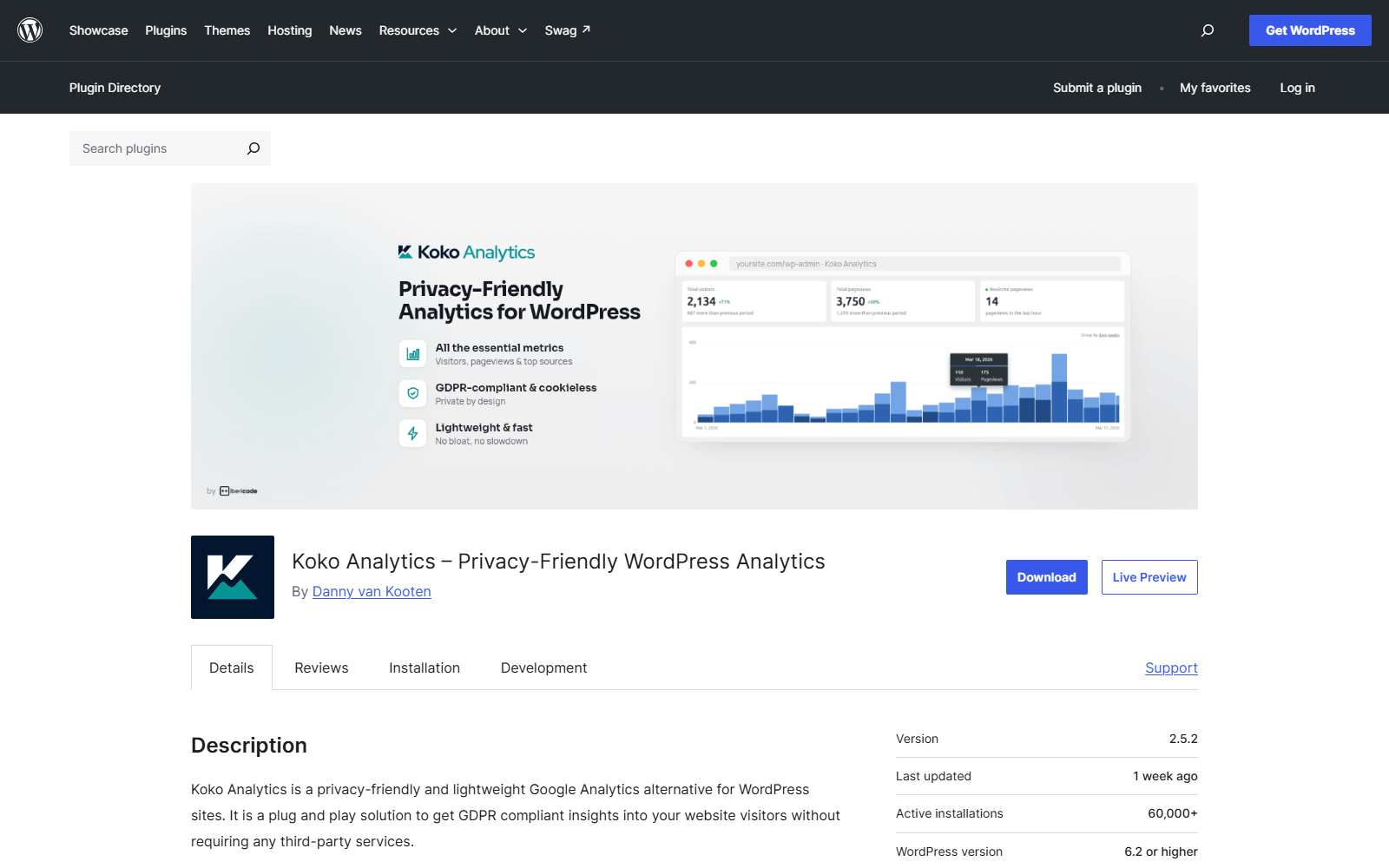
Its script is tiny, it works without cookies, and it is built to keep counting under heavy traffic without leaning on your database. If your entire analytics question is “how many people read this and where did they come from,” Koko answers it with the least machinery on this page.
Worth knowing
- 60,000+ active installs, rated 5.0 from 242 reviews
- The smallest footprint of any dashboard-bearing plugin here
- Deliberately minimal, no events, no funnels
My verdict: Koko is the right choice for blogs that want honest counts and nothing else. Sites that need behavior data will outgrow it, by design.
8. WP Statistics
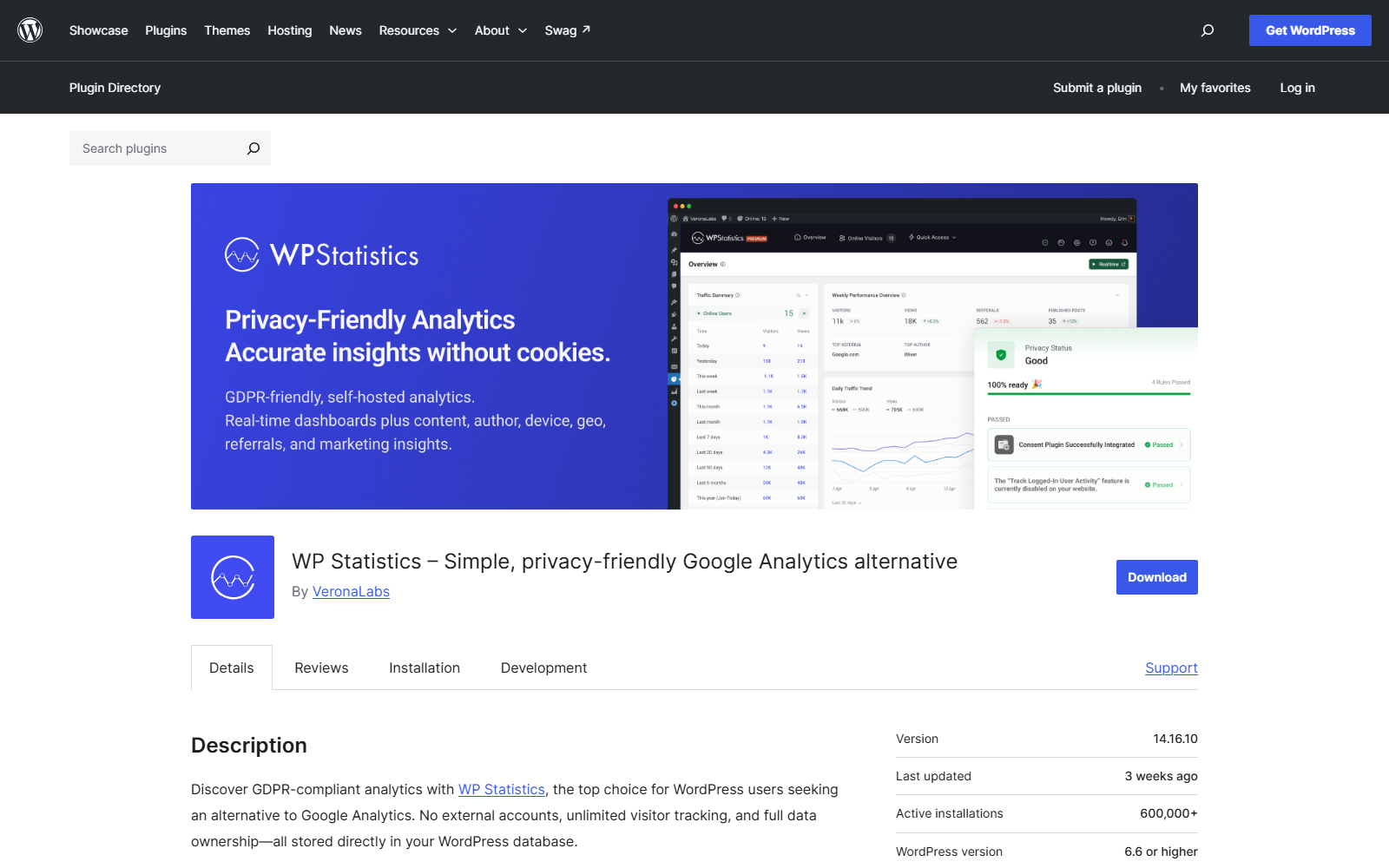
WP Statistics is the veteran of self-hosted WordPress analytics, at 600,000+ installs, the largest self-hosted base on this list. It tracks everything locally and its GeoIP reporting is a long-standing strength.
Worth knowing
- 600,000+ active installs, rated 4.1 from 757 reviews
- Fully local tracking with detailed geographic reports
- Set the data retention option early on busy sites
My verdict: WP Statistics suits sites that want mature, detailed self-hosted reporting and will tend the settings. For a lighter start, Independent or Burst age better.
9. Matomo Analytics
Matomo is the full Google Analytics alternative, not a lightweight counter. The WordPress plugin runs the complete Matomo platform inside your site, with funnels, campaign attribution, and reports deep enough that agencies bill against them.
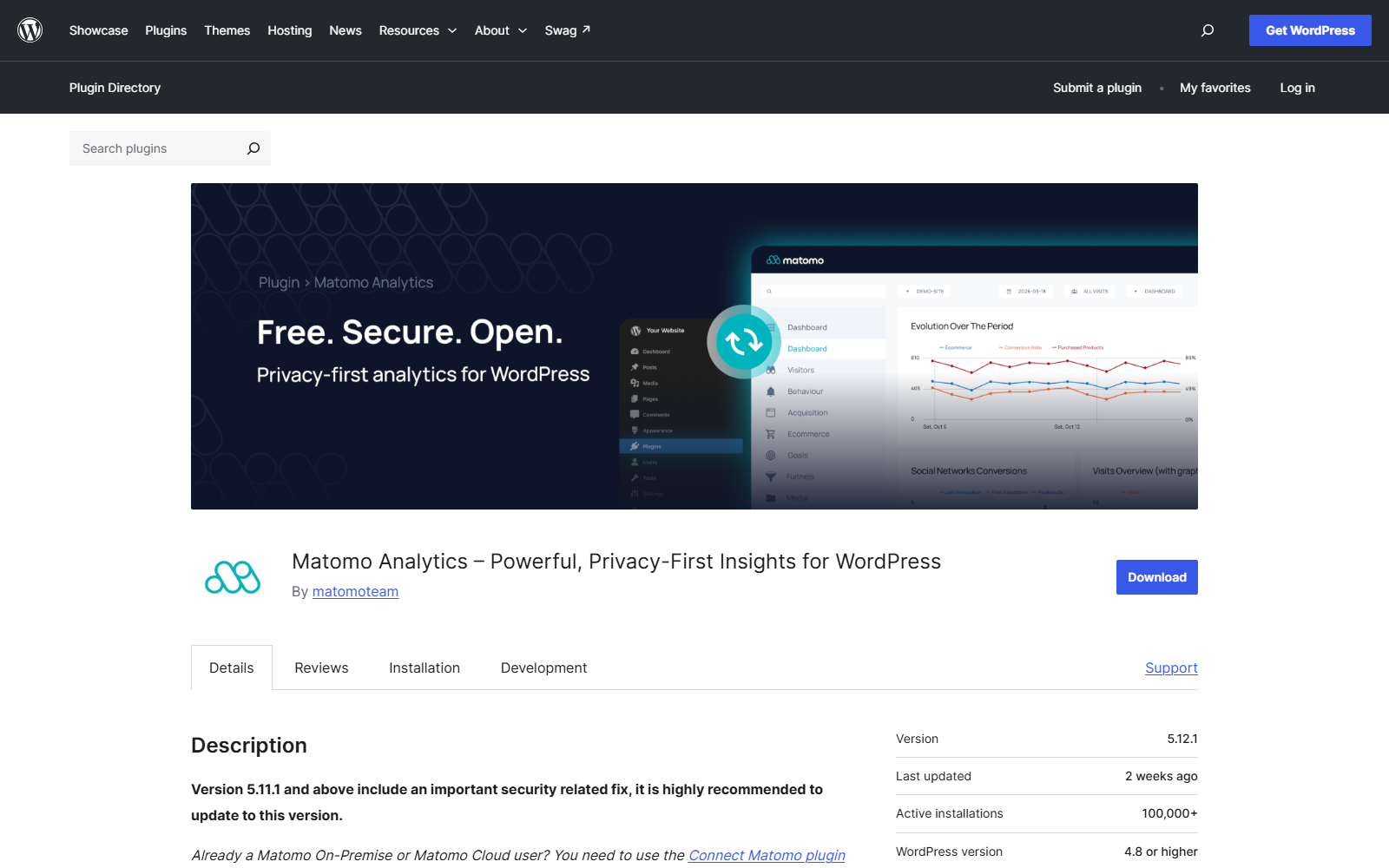
That completeness is the warning too. You are hosting an analytics application inside WordPress, and it wants real server resources. On solid hosting it is the most capable self-hosted option here, and on a starter plan it is the first thing you will deactivate.
Worth knowing
- 100,000+ active installs, rated 4.6 from 177 reviews
- GA-grade reporting, hosted entirely by you
- Heaviest server footprint of the self-hosted group
My verdict: Matomo is for sites that genuinely use deep analytics and own decent hosting. If you check stats weekly, it is more platform than you need.
10. Conversios
Conversios is the WooCommerce specialist. It wires GA4 ecommerce events, Google Ads, and product feeds together, which is the exact plumbing store owners otherwise assemble by hand from three separate tools.
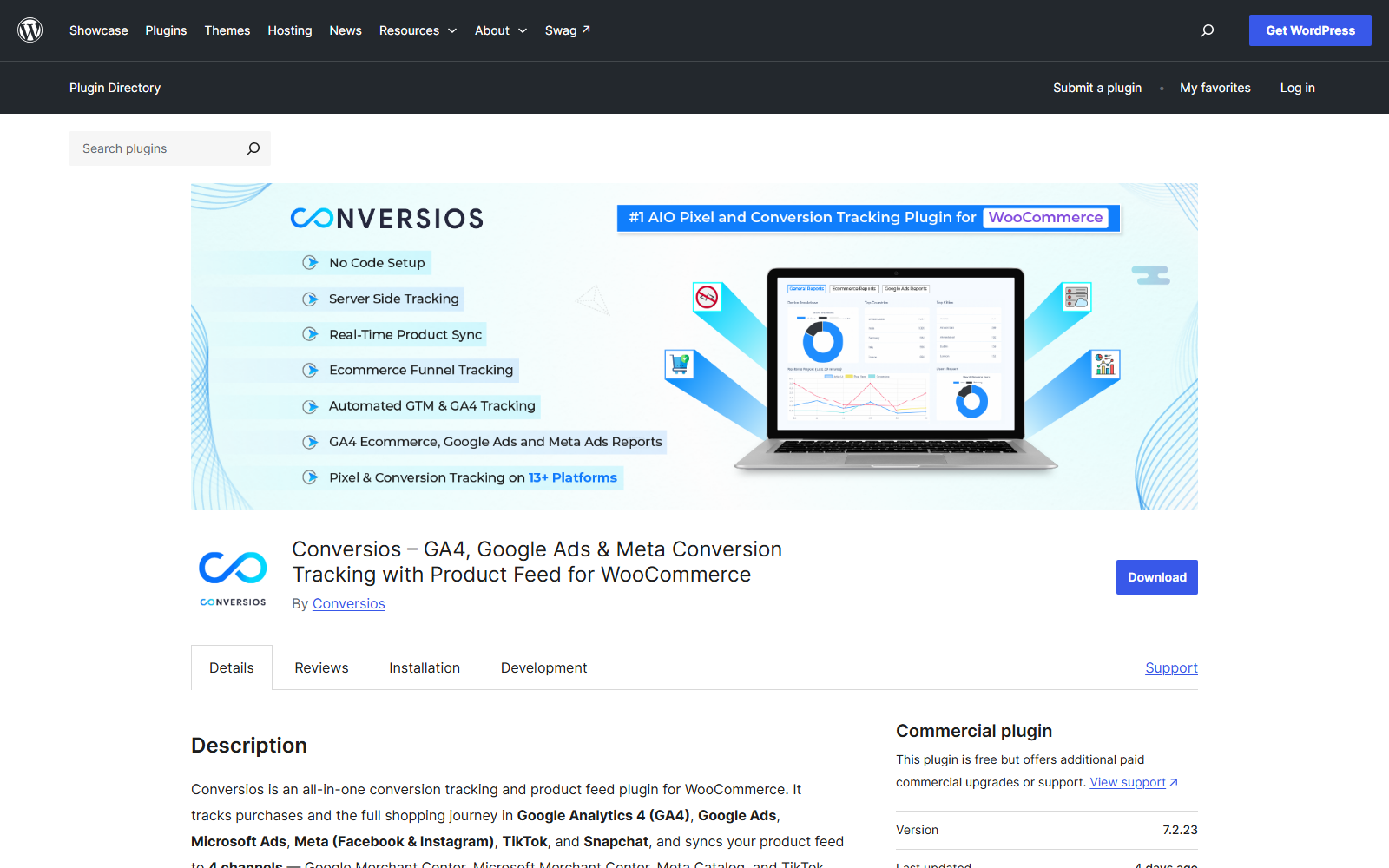
At 10,000+ installs it is the smallest project on this list, updated actively, and worth shortlisting only if you run a store. If you are setting that store up from scratch, our guide to building an ecommerce website with WordPress covers where analytics fits in the larger build, and the best WooCommerce plugins roundup covers the rest of the stack.
Worth knowing
- 10,000+ active installs, rated 4.3 from 204 reviews
- GA4 ecommerce events plus ads and feed integration in one place
- Store-focused, overkill for content sites
My verdict: Conversios earns a look from WooCommerce owners who advertise. Everyone else is better served higher up this list.
11. Beehive Analytics
Beehive, from WPMU DEV, exists for one audience, meaning agencies and multisite networks that need GA4 wired across many sites with role-based access to reports.
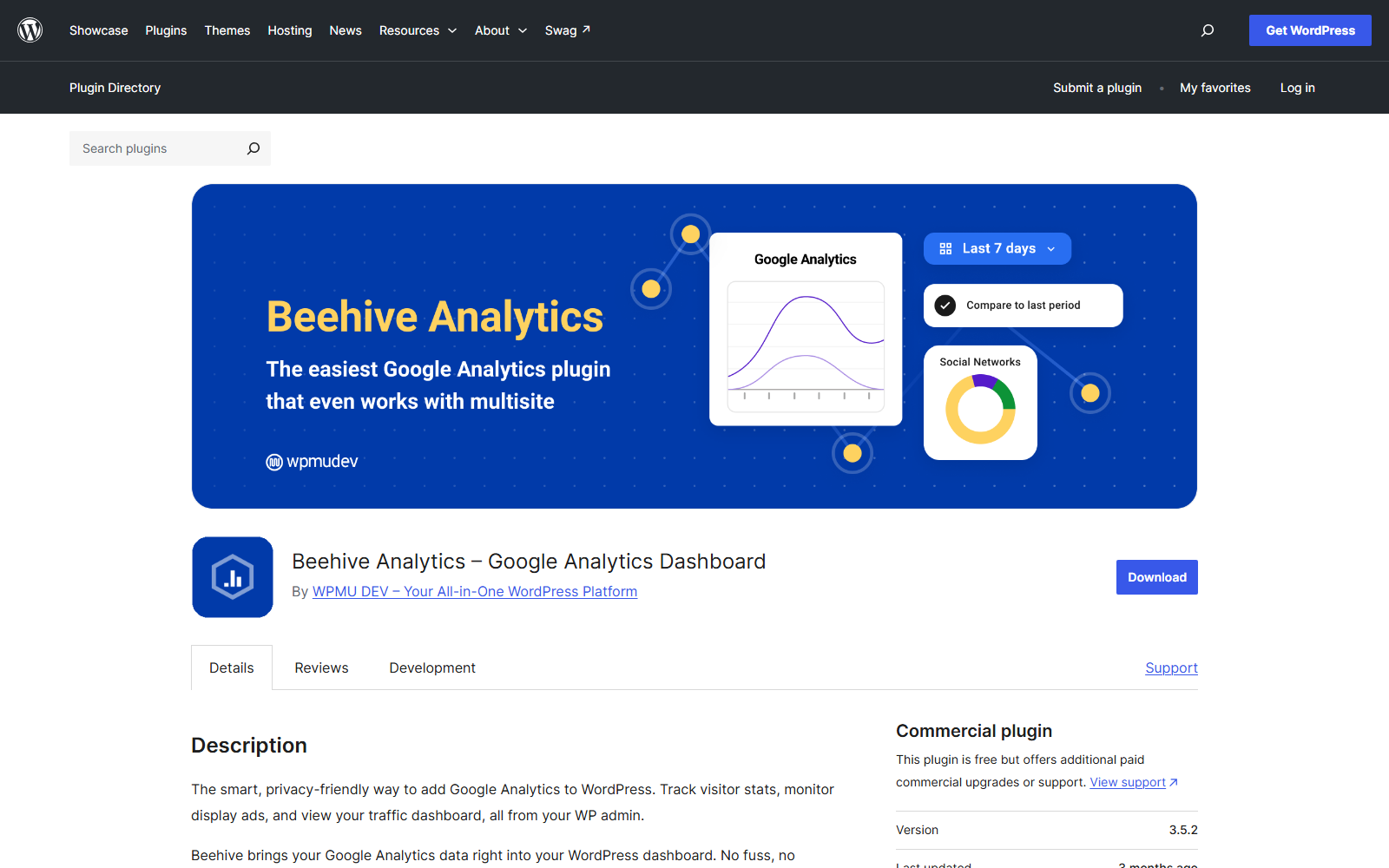
Its numbers are modest, 20,000+ installs and a rating drawn from only 13 reviews, and its last update at this check was late May, the longest gap on this list. For a single site it offers no reason to pick it over the entries above, which is why it sits last while still making the cut for the network case nothing else here covers as directly.
Worth knowing
- 20,000+ active installs, rated 4.5 from just 13 reviews
- Multisite-wide GA4 with per-role report access
- Last updated 23 May 2026, the oldest on this list
My verdict: Beehive is a network-admin tool. Choose it for multisite, and only for multisite.
How to choose the right analytics plugin
Skip the feature grids and match your situation.
| If you are | Choose | Why |
|---|---|---|
| Keeping GA4 and want readable reports | MonsterInsights | The most polished dashboard over GA4 |
| Keeping GA4 for free, official | Site Kit by Google | Bundles Search Console too |
| Keeping GA4 and fluent in it | GA Google Analytics | The tag and nothing else |
| A content team judging articles | Analytify | Reports under every post |
| Leaving Google, want a full dashboard | Independent Analytics or Burst | Self-hosted, blocker-proof numbers |
| Leaving Google, want the minimum | Koko Analytics | Tiny, cookieless, 5.0-rated |
| Needing GA-depth without Google | Matomo | A whole platform, self-hosted |
| Running a WooCommerce store with ads | Conversios | GA4 ecommerce plus ads plumbing |
| Managing a multisite network | Beehive | Network-wide with role access |
Whichever you choose, run the ten-minute network-tab test from the speed section before and after. The right plugin is the one whose reports you will actually read at a page-weight cost you measured yourself.
FAQs about Google Analytics plugins for WordPress
The questions that come up every time this decision gets made, answered directly.
Do I need a plugin to add Google Analytics to WordPress?
No. You can paste the GA4 measurement tag into your site's header manually and tracking works identically. A plugin adds convenience, meaning setup without code, reports inside WordPress, and pre-configured event tracking, at the cost of some extra page weight.
What is the best free Google Analytics plugin for WordPress?
Site Kit by Google is the best fully free option, with GA4 and Search Console in one dashboard and no paid tier at all. MonsterInsights' free version is more readable for beginners but reserves ecommerce tracking for paid plans.
Is MonsterInsights free?
MonsterInsights has a free version covering the core audience and behavior reports, and it is the version behind most of its 2,000,000+ installs. Ecommerce tracking, form tracking, and custom dimensions sit in the paid tiers.
Do analytics plugins slow down your site?
Every analytics plugin adds some weight, but the range is wide. Plugins that load Google's script plus their own connector cost the most, single-purpose connectors add almost nothing beyond the tag, and self-hosted plugins replace Google's script with one small local request. The network-tab test in this guide measures the real cost on your own site in ten minutes.
What is the best alternative to MonsterInsights?
For staying with Google Analytics, Site Kit is the free official alternative. For leaving Google entirely, Independent Analytics and Burst Statistics offer full dashboards with self-hosted data, and both rate 4.8 or higher on WordPress.org.
Final thoughts on Google Analytics plugins for WordPress
The decision is really two questions. First, are you staying with Google Analytics or leaving it? Staying points you at MonsterInsights for readable reports, Site Kit for free official basics, or GA Google Analytics for the bare tag. Leaving points you at Independent Analytics or Burst for a full dashboard, and Koko when a clean count is enough.
Second, what will it cost your pages? No guessing is needed here, because the ten-minute test in this guide answers it for your site specifically, and it is the one step almost nobody takes before installing a tracker on every page they own.
Which way are you leaning, staying with Google or going self-hosted? Tell us in the comments, especially if your network-tab numbers surprised you.

Related Posts


