Most lists of WordPress SEO plugins are written by someone with a stake in the answer, and the page-one results for this search are mostly vendors ranking their own product first. This list has a stake too, so it names it in plain sight and shows the data it used.
For most WordPress sites, All in One SEO (AIOSEO) is the best SEO plugin for WordPress, because it covers the full on-page checklist with the friendliest setup of the group. If you want the deepest free tier instead, Rank Math is the pick. The five plugins after those two each win a specific situation the big two handle less well.
Every entry below ends with a verdict on who should pick it and who should skip it.
How we picked these plugins
The rankings here rest on three things you can check yourself. First, the WordPress.org numbers for every plugin, active installs, star ratings, and the last-updated date, all pulled fresh in late July 2026 and quoted with each entry. Second, what each free tier actually includes, taken from the plugins' own WordPress.org listings and documentation. Third, what the paid upgrade buys, taken from each vendor's own documentation rather than its ads.
We cut plugins that have gone quiet for years, plugins that exist mainly to upsell from inside your dashboard, and single-purpose tools like redirect managers that only do one slice of the job. What survived is seven plugins that a real site could reasonably run as its SEO layer today. Exact prices change often and sales run constantly, so this guide describes what each paid tier includes and leaves current numbers to the vendors' pricing pages.
WordPress SEO plugins compared
The table below is the short version. Every plugin name jumps to its full review.
| Plugin | Best for | Free version | Paid upgrade adds |
|---|---|---|---|
| AIOSEO | Most sites, easiest full suite | Yes, core on-page tools | Advanced schema, redirects, local SEO |
| Rank Math | Deepest free tier | Yes, unusually complete | Analytics, keyword tracking, more schema |
| Yoast SEO | Beginners who want guardrails | Yes, the classic | Multiple keywords, redirects, internal linking |
| SEOPress | Budget power users and agencies | Yes, unlimited keywords | White label, schemas, WooCommerce SEO |
| The SEO Framework | Set-and-forget minimalists | Yes, fully automated | Extension add-ons |
| Slim SEO | Owners who never want a meta box | Yes, near zero-config | Schema and link tools |
| SmartCrawl | WPMU DEV members | Yes | Full suite via membership |
1. All in One SEO (AIOSEO)
AIOSEO runs on more than 3 million sites with a 4.7 star average from over 5,100 reviews on WordPress.org, updated as recently as July 2026. What earns it the top spot in practice is how little SEO knowledge it assumes. The setup wizard configures the sensible defaults in a few minutes, the TruSEO score on each post turns optimization into a checklist a non-specialist can clear, and the on-page analysis explains why something matters instead of just flagging it.
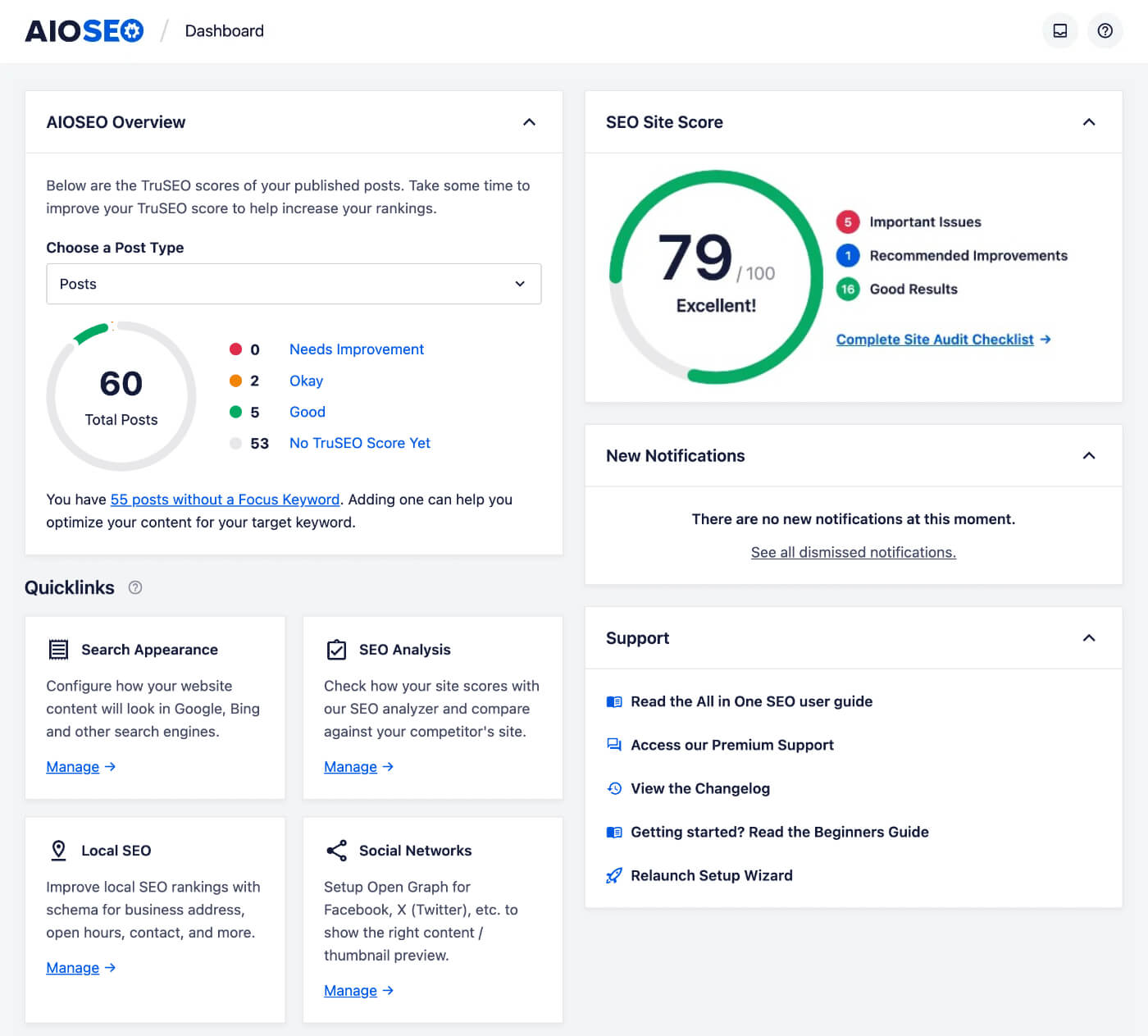
The free version covers the core job for a small site.
- On-page essentials: meta titles and descriptions with dynamic patterns, XML sitemaps, and canonical URLs
- TruSEO analysis: the per-post checklist and readability pass inside the editor
- Social previews: Open Graph and Twitter card control without a separate plugin
- Basic schema: the structural markup search engines read your pages through
Paid tiers add the advanced schema types, a redirect manager, local SEO modules, and WooCommerce SEO, with current pricing on the AIOSEO site.
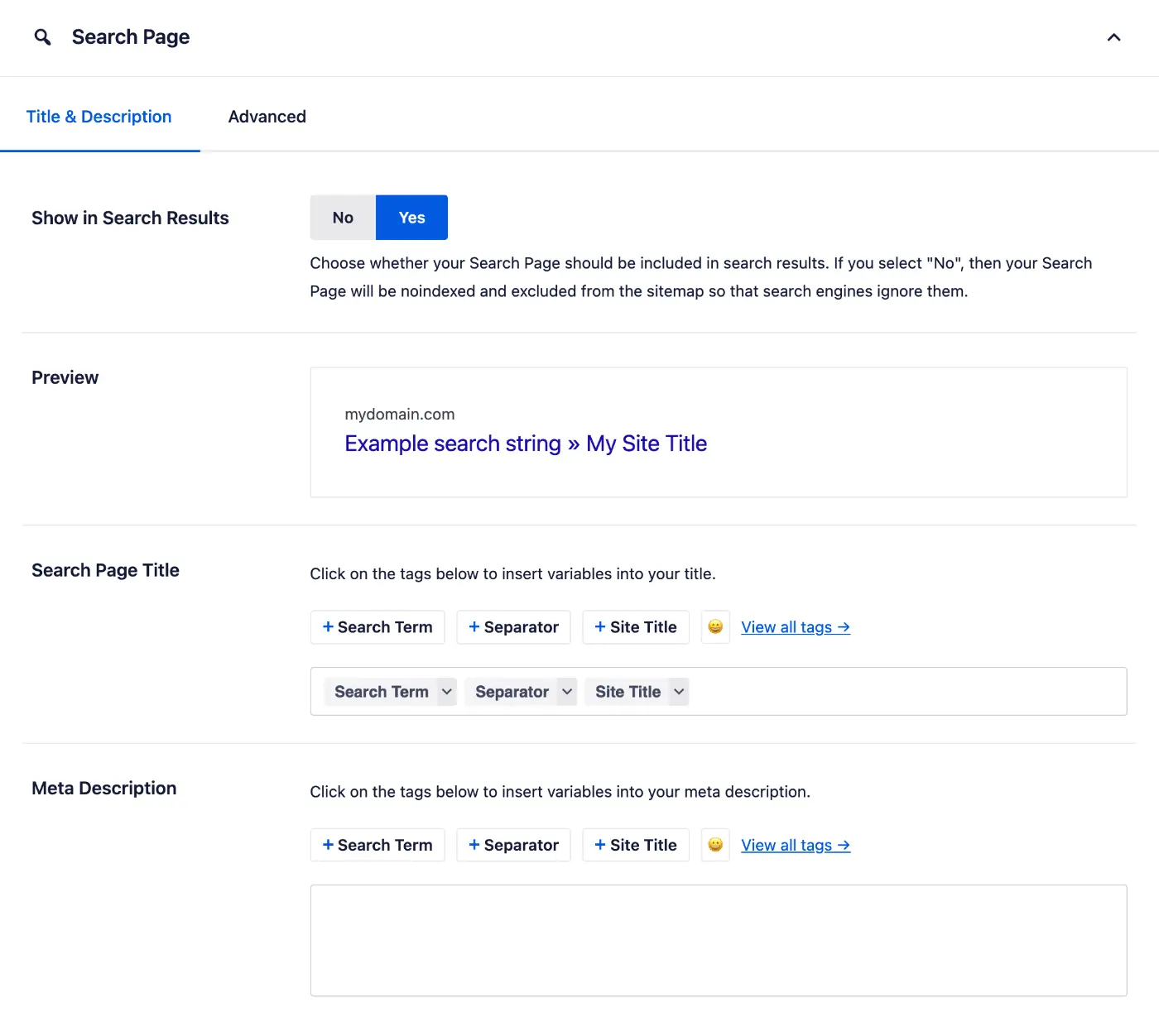
AIOSEO is the pick for most sites because it makes the whole SEO checklist doable by someone whose job is not SEO. Power users who want maximum free features should read the next entry before deciding.
2. Rank Math
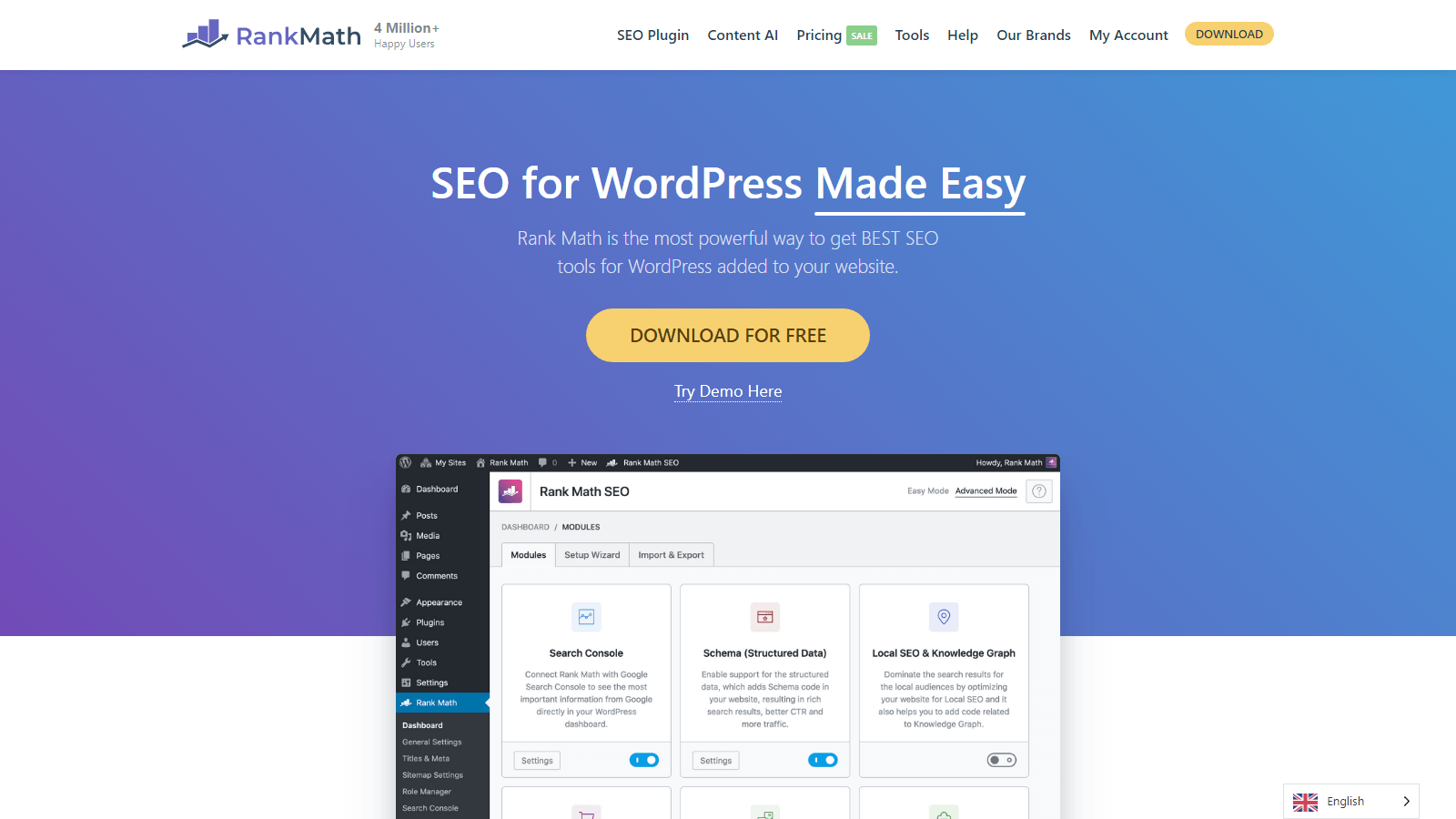
Rank Math is the answer to a specific question, which is how much SEO tooling can you get without paying. Its free version ships things every rival keeps behind a paywall, including a redirect manager, Google Search Console integration inside the dashboard, and a wider spread of schema markup. It runs 4 million active installs with a 4.8 star average from about 7,500 reviews, updated late July 2026.
In exchange you accept density, because Rank Math surfaces a lot of controls, and the setup wizard's “advanced” path can drop a beginner into decisions they are not equipped to make yet. Pick it when you know roughly what a redirect and a schema type are, or when you are willing to learn, because the free tier will not box you in.
- Free redirect manager: the feature that most often forces upgrades elsewhere
- Search Console data in wp-admin: rankings and impressions without leaving WordPress
- Schema variety: more markup types free than the competition
- Modular design: turn off what you do not use, which keeps it reasonably light
Rank Math is the best free SEO plugin for WordPress and the right pick for power users on a budget. Beginners who want fewer decisions should stay with AIOSEO or Yoast.
3. Yoast SEO
Yoast is the plugin most people picture when they hear WordPress SEO, and the numbers still say incumbent, over 10 million active installs and a 4.8 star average from nearly 28,000 reviews, updated July 2026. The traffic-light content analysis remains the gentlest teacher in the category. Write a post, clear the reds, and you have covered the basics without reading a single SEO guide.
The knock is that the free version gates features rivals now give away. Redirects, multiple focus keywords, and internal linking suggestions all sit in Premium, and two of those are free in Rank Math. Yoast holds its place through polish, stability, and a library of courses and documentation nobody matches. If it is not clicking for you, we keep a list of Yoast SEO alternatives that goes deeper than this article can.
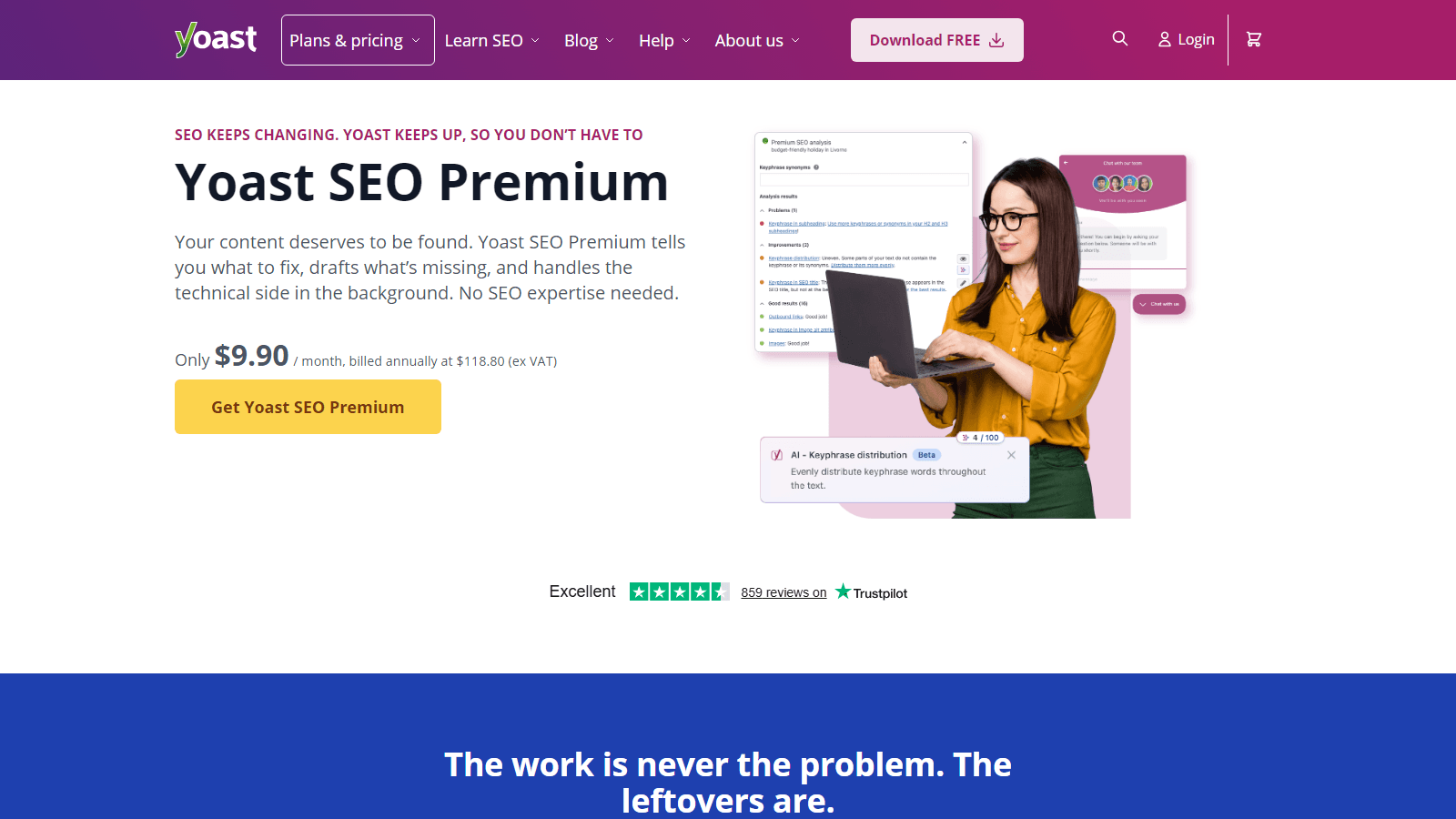
- Traffic-light analysis: the friendliest on-page feedback loop for a first-time site owner
- Readability checks: sentence length, passive voice, and structure nudges as you write
- Proven stability: more than fifteen years of updates and the largest support footprint in the category
Yoast is the safe pick for beginners who want guardrails and a name their developer already knows. Feature-per-dollar hunters will be happier one entry up.
4. SEOPress
SEOPress is the value pick, a French-built plugin that quietly does most of what the big three do. The free version allows unlimited focus keywords, which even Yoast Premium meters, and the paid tier is known for covering the full feature spread, white labeling included, at a single price point that agencies in particular notice. It runs on 300,000 sites by WordPress.org's count, which trails the vendor's own banner, with a 4.8 star average from more than 1,200 reviews and an excellent update cadence, including a release as fresh as late July 2026.
What SEOPress lacks is reach, since fewer tutorials mention it, fewer developers know it on sight, and the interface is functional rather than friendly. None of that affects how your site ranks.
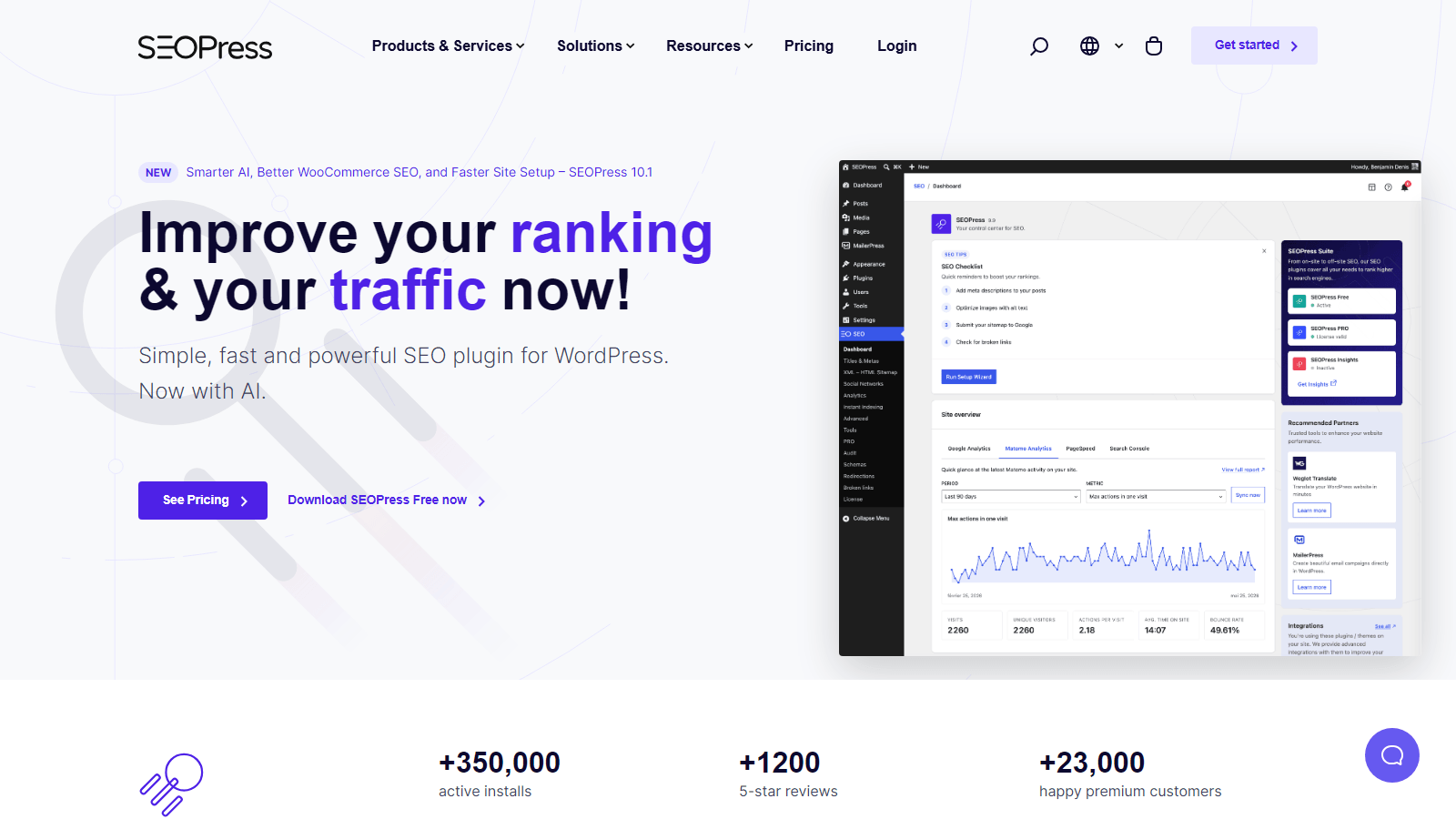
- Unlimited keywords free: analysis against as many terms as you like
- White label: strip the branding on client sites, an agency staple
- WooCommerce and schema support: included in the paid tier
SEOPress fits budget-conscious power users and agencies who bill for SEO work. Solo beginners will find the interface less forgiving than AIOSEO or Yoast.
5. The SEO Framework
The SEO Framework is the anti-plugin plugin. No ads inside your dashboard, no upsell banners, no wizard trying to enroll you in a newsletter. It configures itself from your site's structure, colors its feedback into a simple meter, and stays out of the way. That restraint coincides with the highest rating in this list, 4.9 stars, from a smaller base of about 380 reviews across 200,000 installs.
Momentum is the caveat, since its last update shipped in December 2025, a slower cadence than everyone else here, and worth weighing if you expect algorithm-chasing feature drops. It also suits lighter sites, and since page weight is a ranking input of its own, pair it with the low-footprint approach in our best WordPress speed optimization plugins roundup.
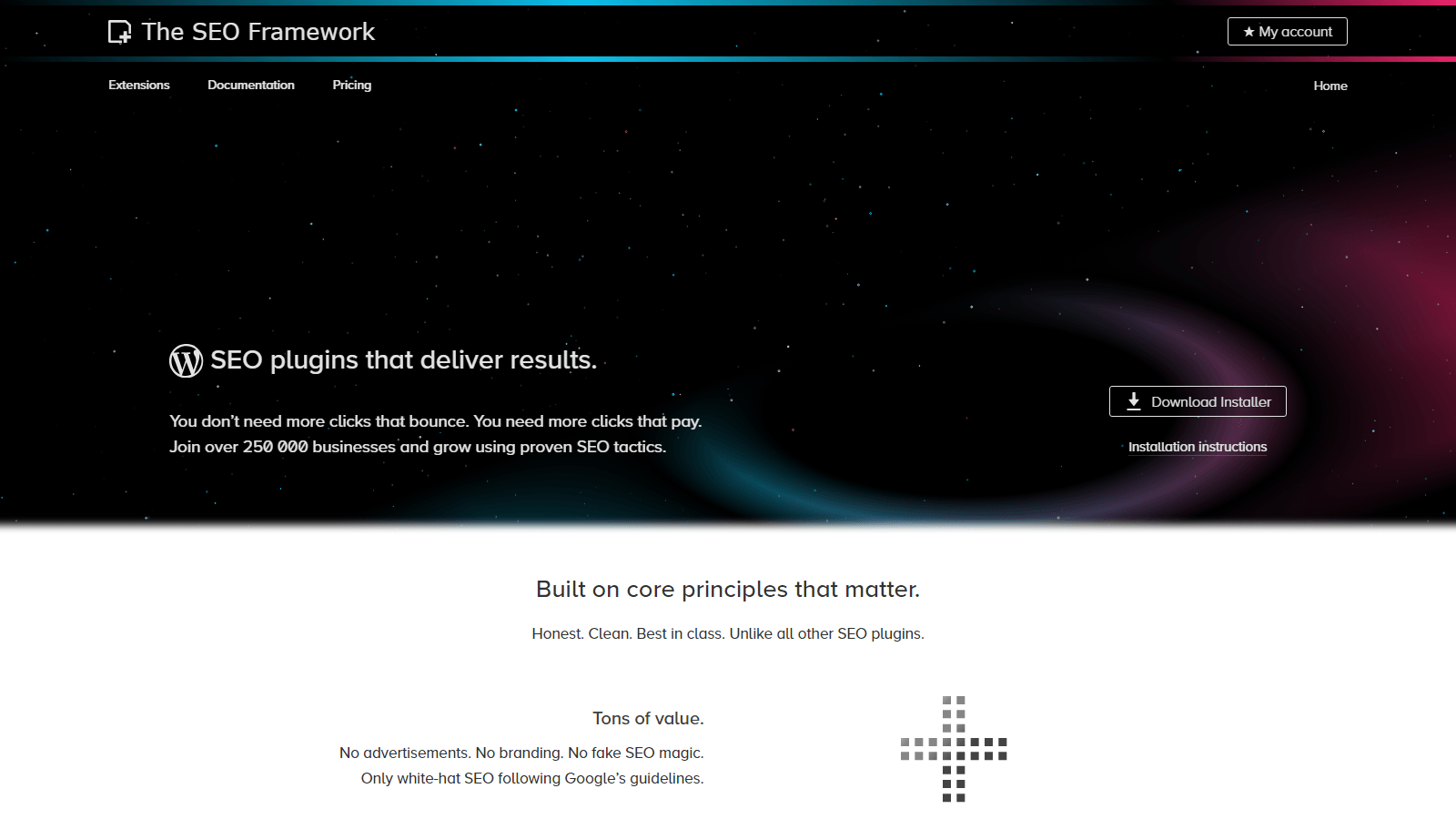
- Zero ads or nags: the cleanest dashboard experience in the category
- Automated configuration: sensible defaults generated from your site, not a questionnaire
- Light footprint: minimal overhead on the front end
The SEO Framework suits minimalists who want SEO handled without a relationship with their SEO plugin. Check its update pace against your comfort level before committing.
6. Slim SEO
Slim SEO takes automation one step further than The SEO Framework. Install it and it starts generating meta tags, sitemaps, redirects on slug changes, and image alt attributes with almost nothing to configure, and its settings screen fits on one page. It runs 70,000 installs at 4.7 stars, and it is actively maintained with a July 2026 update.
This is the pick for the site owner who never wants to see an SEO meta box again. You give up control in return, because when you do eventually want to hand-tune something per-post, you will feel the walls.
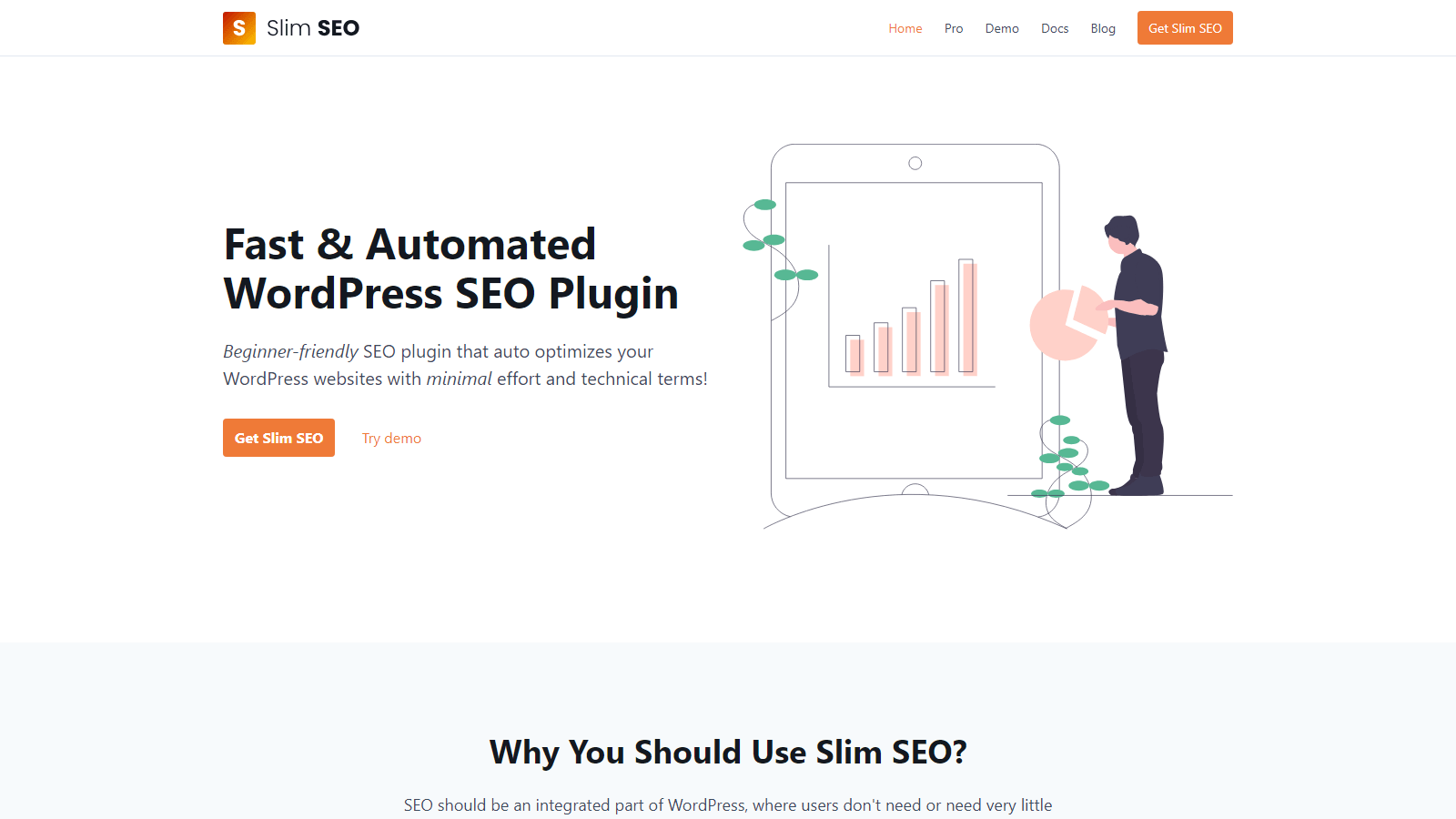
- True set-and-forget: meta tags, sitemaps, and redirects generated automatically
- One-page settings: the entire configuration surface in a single screen
- Tiny footprint: built to add nearly nothing to load time
Slim SEO is for small sites and owners who want SEO invisible. Anyone who plans to hand-tune individual posts should pick a plugin with more knobs.
7. SmartCrawl
SmartCrawl is WPMU DEV's SEO plugin, and that sentence is the whole recommendation logic. On its own merits it is competent, with on-page analysis, schema, and a working free version at 20,000 installs and 4.8 stars, updated June 2026. What changes the math is membership, because if you already pay for WPMU DEV hosting or its plugin bundle, SmartCrawl arrives as part of the package you own, integrated with the same dashboard and support.
Outside that bundle, the honest advice is that every plugin above serves you at least as well without adding a membership relationship.
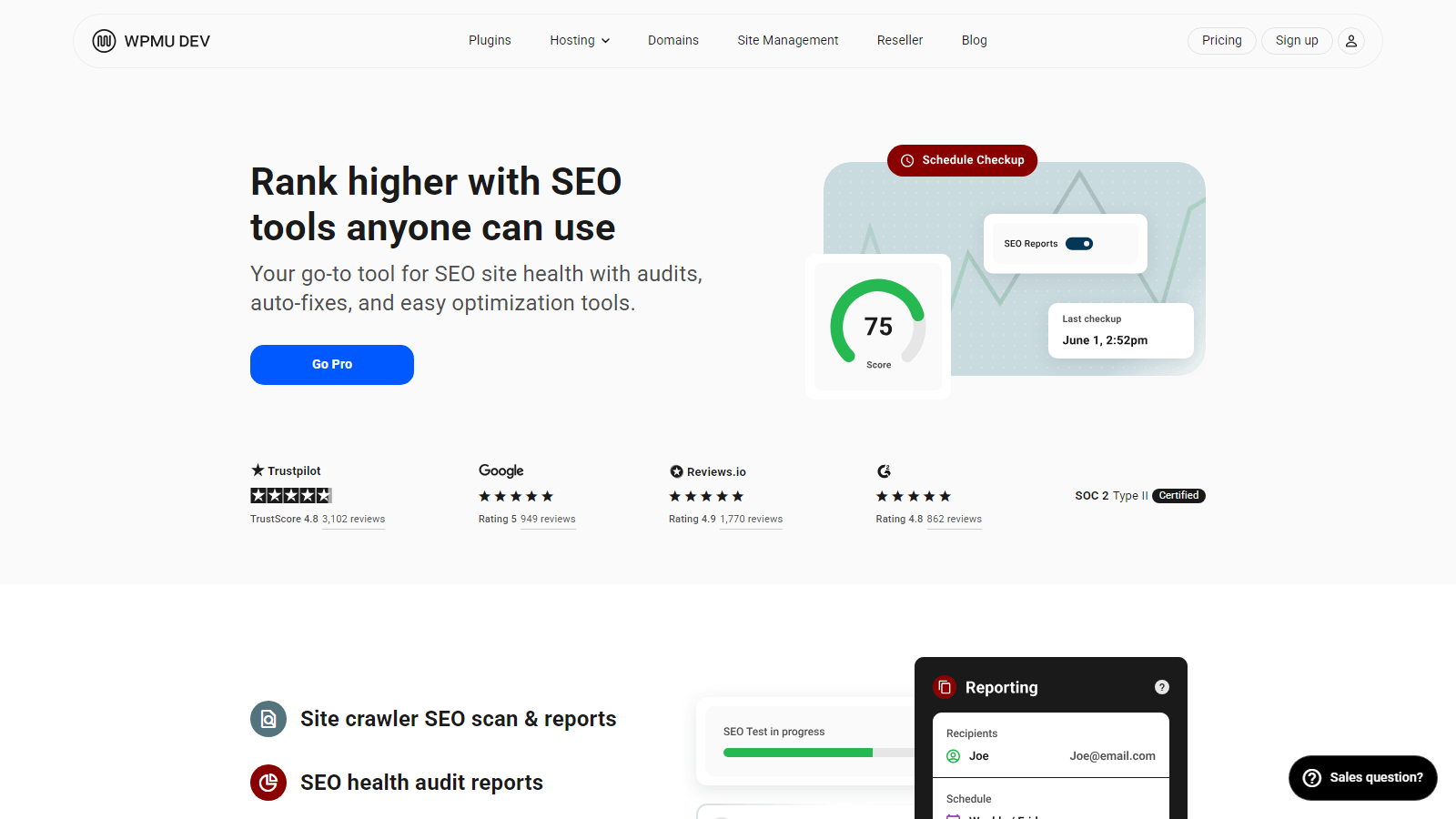
- Bundle economics: effectively included for WPMU DEV members
- Familiar toolset: analysis, schema, sitemaps, and a crawler for broken structure
- Managed-stack fit: a single vendor relationship covering the dashboard and the support queue
SmartCrawl makes sense for existing WPMU DEV members and almost nobody else. Bundle software exists for exactly this pattern.
How to choose the right SEO plugin
For the 90 percent case, pick AIOSEO if you want guidance, Rank Math if you want the most free features, and Yoast if you want the name everyone recognizes. All three will cover a normal site completely, and the ranking differences between them will not make or break your traffic.
The edge cases are where the rest of the list matters, and the table below is the decision rule this list boils down to.
| Your situation | Pick | Why |
|---|---|---|
| First site, no SEO background | AIOSEO or Yoast | Guided setup and readable feedback |
| Power user, zero budget | Rank Math | Redirects, GSC data, and schema free |
| Agency with client sites | SEOPress | White label and value positioning |
| Minimal site, minimal fuss | The SEO Framework or Slim SEO | Automation over control |
| WPMU DEV member | SmartCrawl | Already in your bundle |
Before you install anything, remember that an SEO plugin is one slot in a larger stack, and the rest of our best WordPress plugins guide covers the neighbors it works alongside. Plugin choice also cannot rescue a slow site, and because page speed feeds rankings too, store owners specifically should read how to speed up your WooCommerce store and pick from the best WooCommerce plugins with the same weight-consciousness they apply here.
FAQs about WordPress SEO plugins
These come up under every comparison in the category, and the answers change less often than the plugins do.
Do I really need an SEO plugin for WordPress?
Any site that wants search traffic needs one, because WordPress on its own gives you no control over meta descriptions, sitemaps, or schema markup, even though it handles permalinks and mobile rendering well, and these plugins fill exactly that gap. The one task you can handle without a plugin is verifying your site with Google, which just needs you to add header and footer code in WordPress.
Which is better, Yoast, Rank Math, or AIOSEO?
They solve the same problem with different personalities. AIOSEO leans toward guidance, Rank Math for free-tier depth, and Yoast for simplicity and familiarity. Rank one above the others by matching those personalities to your experience level and budget, not by any ranking-power difference, because there is no credible evidence one of them ranks sites better than the others when configured properly.
Is a free SEO plugin enough?
For most small sites a free tier is genuinely enough, since every plugin on this list covers titles, descriptions, sitemaps, and social previews free, and that covers the on-page layer a typical site needs. Paid tiers make their case on redirects, advanced schema, local SEO, and WooCommerce features, which matter once the site has real traffic or a catalog.
Can I use two SEO plugins at the same time?
Running two SEO plugins at once is the one setup every vendor in this list warns against, because both write the same meta tags and sitemaps, and the duplicate markup hurts more than either plugin helps. Pick one, and if you switch later, every major plugin here imports settings from its rivals.
Do WordPress themes matter for SEO?
Themes matter less than plugins here, but the effect is not zero, since a slow or badly structured theme drags rankings no matter which plugin you run, while a fast one hands the plugin clean markup to work with. The plugin owns the metadata layer either way, and for niches where search is the whole business model, our best SEO agency WordPress themes collection shows what search-first builds look like.
Final thoughts on the best SEO plugin for WordPress
If you remember one thing from this list, make it the switching answer, because these plugins import each other's settings, so a wrong first pick costs you an afternoon rather than a rebuild. Whichever you choose, configure it once, properly, and then go back to publishing, because the content still decides the rankings.
Running a store? Pair your plugin choice with our WooCommerce SEO guide, which covers the store-side setup no general plugin list touches.
Which SEO plugin is running on your site right now, and is it earning its slot? Tell us in the comments, especially if you have switched recently and noticed something these summaries miss.

Related Posts


