The typical WooCommerce SEO guide runs thousands of words and reads like a checklist of everything Google has ever considered. Running a store leaves no time for that, and a store owner's version can be much shorter.
WooCommerce SEO comes down to five areas you actually control. Give the store a clean structure, write product pages that match how buyers search, keep the site fast, configure one good SEO plugin once, and publish content that points at your categories. The rest of what those guides cover builds on these five.
This guide walks each area in order of impact, names where every change happens, and ends with a table matching your situation to a first fix.
What WooCommerce gives you out of the gate
WooCommerce on WordPress starts from a genuinely good baseline, and knowing what is already handled keeps you from redoing it. Permalinks are clean and crawlable, products and categories generate their own pages, and product data like price and availability lives in structured form the platform understands.
What the baseline leaves out is control, because there is no meta description editing, no sitemap you can shape, and no schema depth beyond the basics, and nothing tells you whether any of it is working. Those gaps are exactly what the five areas below fill, and none of them requires a developer.
Store structure and category pages
Structure is the area with the most reach, because it multiplies or divides everything else. A buyer and a crawler should both be able to answer the same question in one glance, which is where am I and what lives one level up.
Category pages that rank
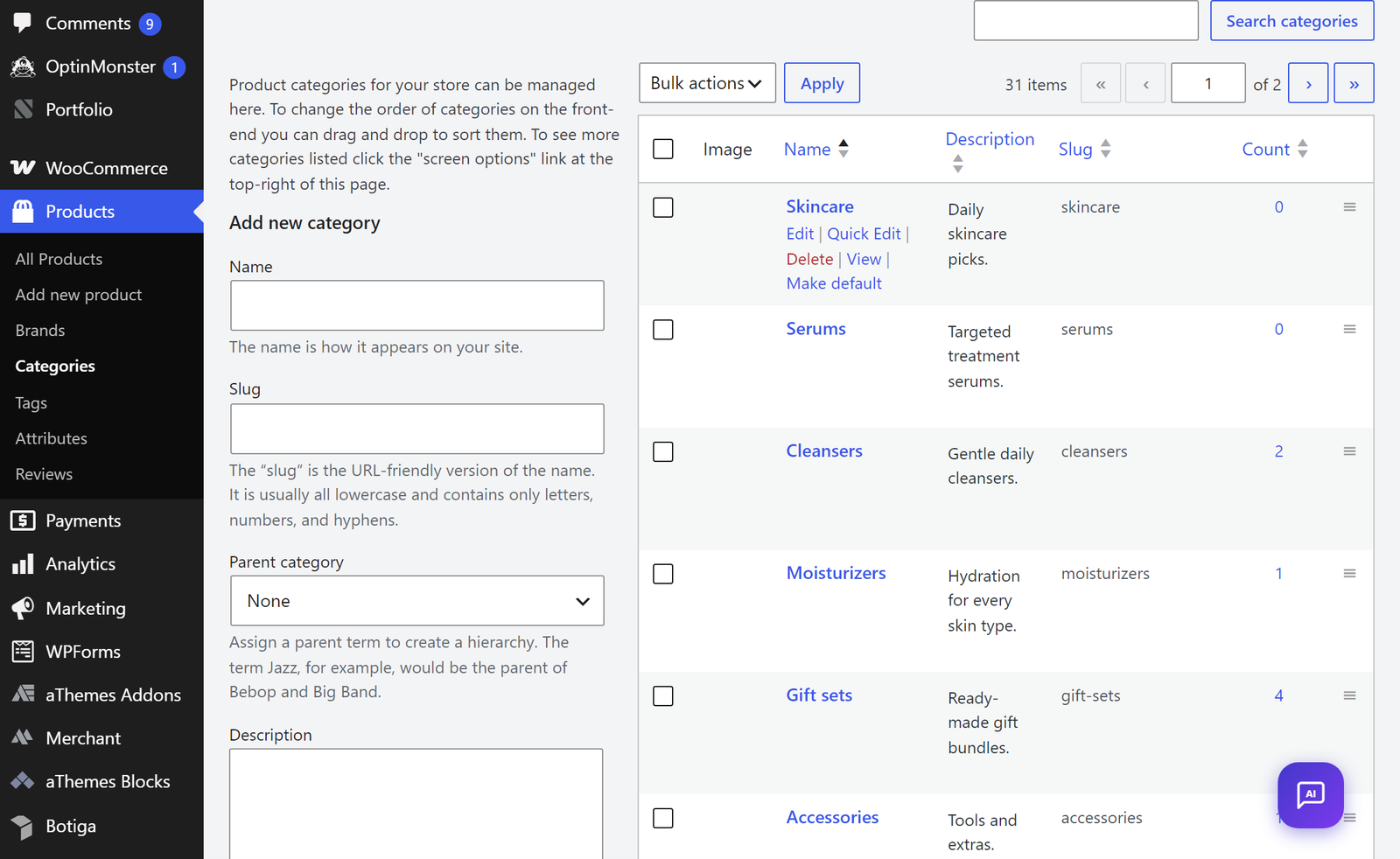
Category pages are your store's landing pages for every non-branded search, and most stores treat them as afterthoughts. Name categories the way shoppers talk, so “Organic skincare” beats “Collection 03”, keep the hierarchy shallow enough that any product sits two or three clicks from home, and write a real description for each top category, a paragraph a first-time visitor would find useful. That single paragraph is often the only indexable text a category page has, and you control the layout it sits on when you customize your WooCommerce shop page.
The breadcrumb and hierarchy layer
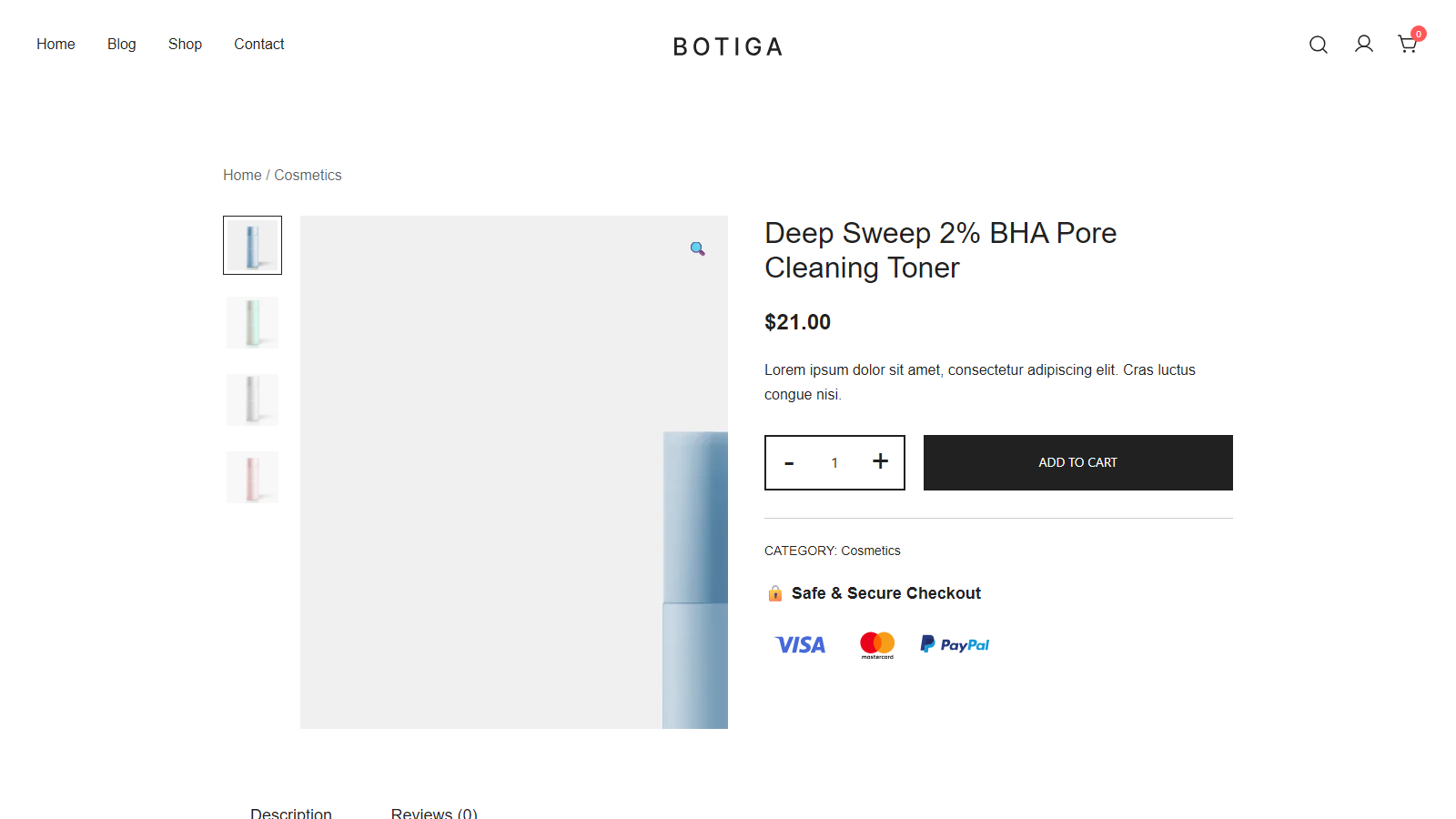
Breadcrumbs earn their place twice, once for buyers who need a way back up, and once for search engines reading your store's shape. Keep them on, keep them accurate, and make sure each product belongs to one primary category so the trail stays stable.
Filtered and paginated URLs are the trap to watch, because layered filters can generate near-duplicate pages by the thousand, and your SEO plugin's canonical handling, covered below, is the standard defense. The structural rule underneath all of it is one page per real shopping intent.
Product page SEO
Product pages win or lose on whether their words match the buyer's words. Supplier part numbers and internal shorthand lose to the phrase a customer would actually type, so a title like “Stainless steel French press, 1 liter” beats “FP-SS-1000” in every search that matters.
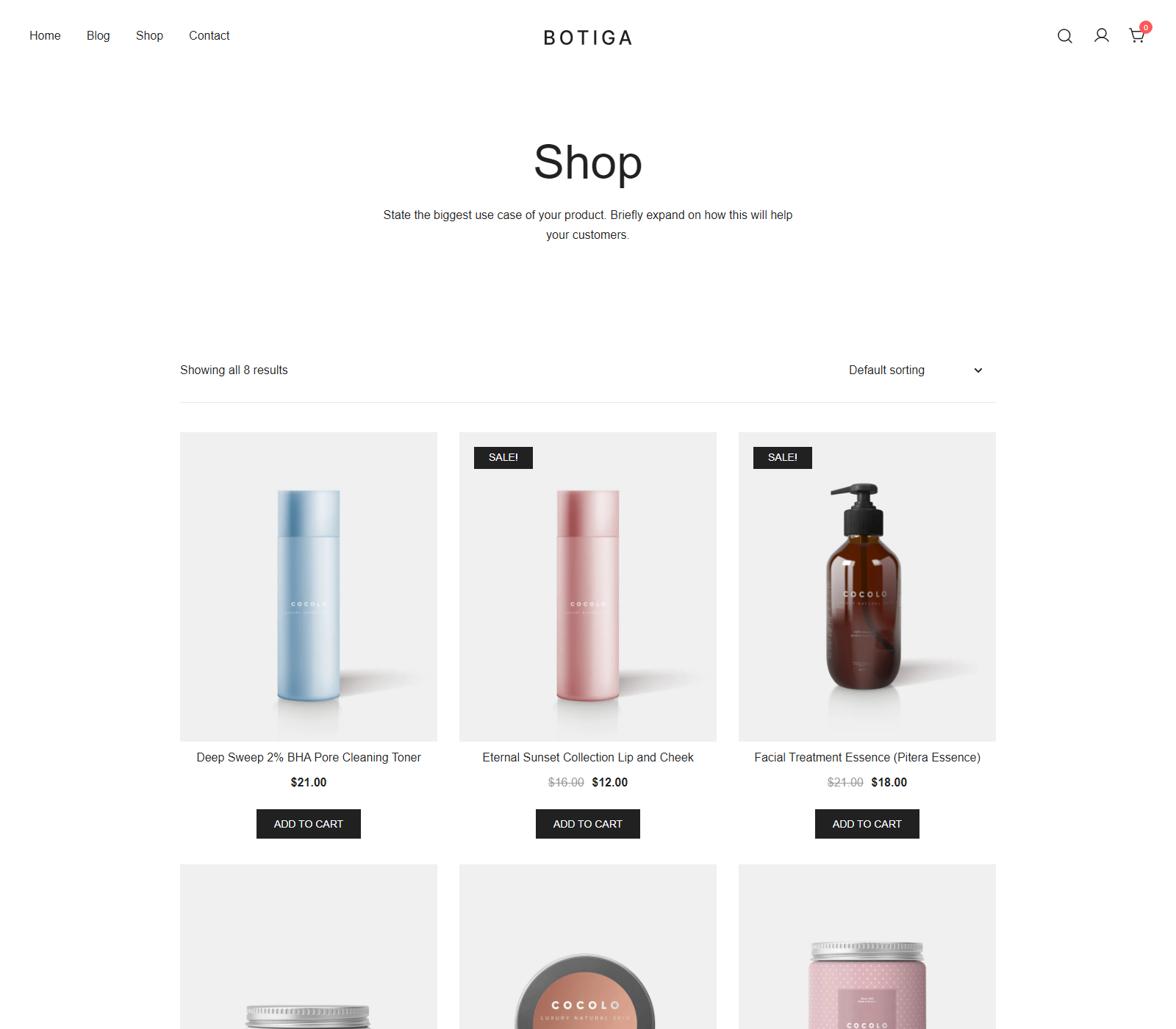
Descriptions carry two jobs and deserve two layers to match. Lead with what the product does for the buyer in plain sentences, then keep specifications in a separate block or table below, because burying the benefit under specs serves nobody. Images pull weight too, and the low-effort fixes are real product names in filenames and alt text that describes the product rather than stuffing keywords.
Reviews are the product-page content you do not have to write. They add fresh, keyword-rich text in the buyer's own language, and they feed the star ratings that make listings stand out. WooCommerce's built-in reviews are enough to start, and review-focused upgrades like Merchant Pro's Advanced Reviews module add photos and richer display when volume justifies it.
Speed is a ranking input
Google folds page experience into ranking through its Core Web Vitals measurements, and stores feel this more than blogs because product pages carry galleries, variations, and scripts. Speed work for a WooCommerce store starts with the theme, because no amount of caching rescues a heavy base.
The theme decision is one you make once, and our fastest WooCommerce themes roundup exists for exactly that choice. Botiga is aThemes' own entry in that race, built light on purpose, and the disclosure that we make it comes with the same advice we would give anyway, which is to check any theme's demo in your own speed tool before committing. Past the theme, the work is image compression, lazy loading, and hosting quality, and our guide to speed up your WooCommerce store covers that sequence step by step.
The plugin setup
One SEO plugin, configured once, covers the control gaps from the baseline section, and it must be exactly one, since two SEO plugins reliably conflict. The jobs it handles are concrete ones. It builds XML sitemaps that include products and categories, applies meta patterns so every product page gets sensible defaults, sets canonical tags that defuse the filtered-URL trap, and adds product schema so listings can carry price and availability in search results.
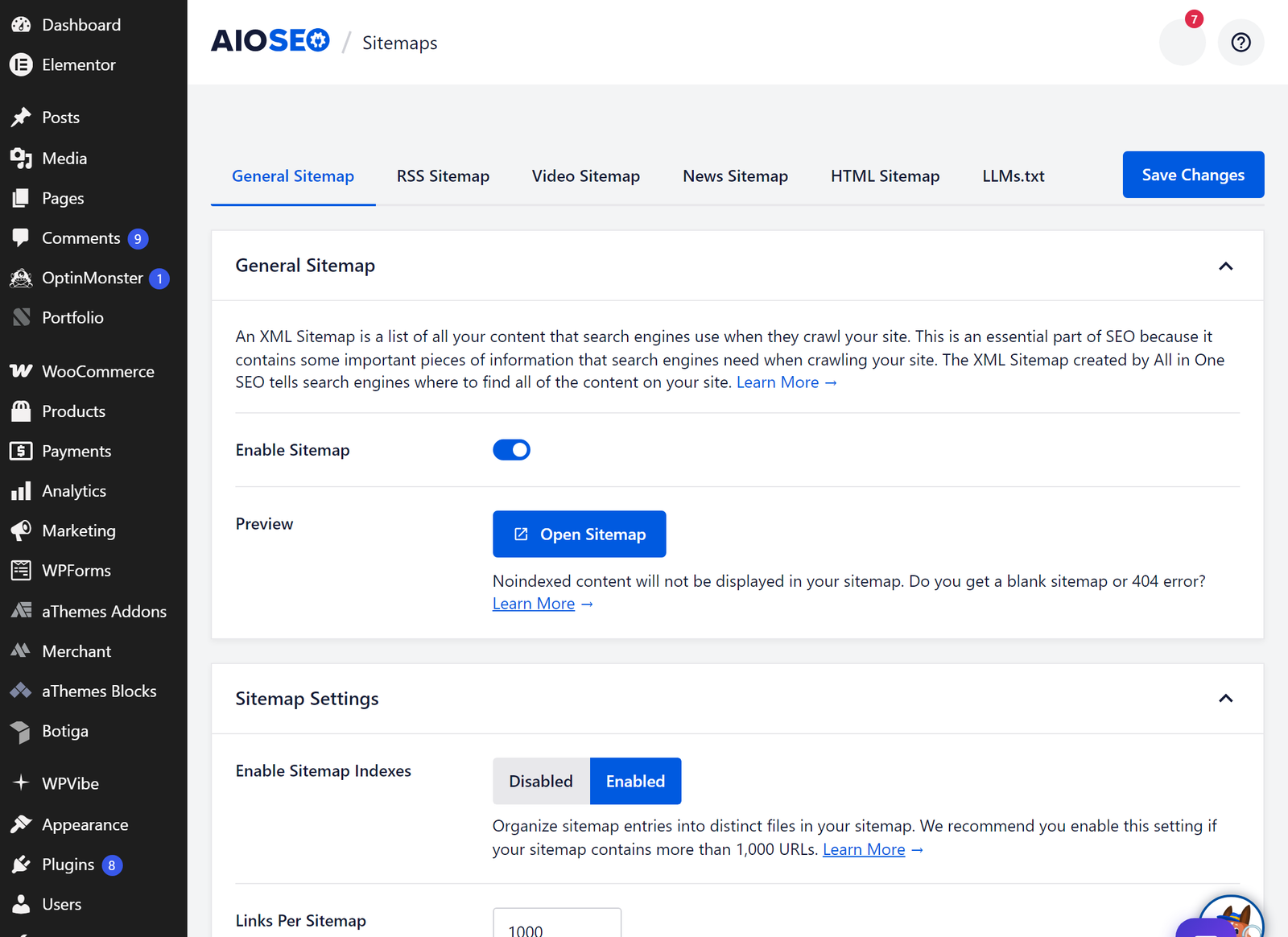
Which plugin matters less than configuring it, and the scope note worth knowing is that WooCommerce-specific SEO modules, deeper product schema included, typically sit in the paid tiers of most major plugins, AIOSEO included. The free tiers still cover sitemaps, meta patterns, and canonicals, which is the load-bearing part. If you are choosing fresh, our Yoast SEO alternatives comparison covers the field.
Just as important is what no plugin can do, because it cannot write your category descriptions, make a heavy theme fast, or earn a single link. A configured plugin is the floor, not the strategy.
Content around the store
Stores that only have product and category pages compete for buying keywords alone, and that is the most contested slice of search. Content widens the funnel, with buying guides, comparisons, and how-to posts capturing research-stage searches and passing authority to your money pages through internal links.
The mechanics matter more than the publishing volume. Every piece of content should link to a relevant category or product naturally, the way our best WooCommerce plugins roundup routes readers toward tools. The store itself then has to convert the traffic content brings, and that is where a conversion layer like Merchant picks up what SEO delivers.
Where to start
Five areas is still a list, so here is the priority version based on where your store hurts most.
| Your situation | Start with | Why |
|---|---|---|
| New store, nothing ranks yet | Structure, then the plugin | Foundations compound, and sitemaps get you indexed |
| Traffic arrives but nothing sells | Product pages, then speed | Copy and load time decide conversions |
| Products not showing in Google at all | The plugin's sitemaps and canonicals | Indexing problems outrank everything else |
| Rankings plateaued for months | Content around the store | Money pages alone hit a ceiling |
Work one row at a time, and give each change a few weeks before judging it, since search engines move slower than dashboards.
FAQs about WooCommerce SEO
Short answers below, because most of the detail already lives in the sections above.
Is WooCommerce good for SEO?
Yes, structurally better than most hosted platforms, because it inherits WordPress's clean permalinks, full content control, and plugin depth. The baseline still needs the five areas above, since good bones are not a finished house.
Do I need an SEO plugin for WooCommerce?
Yes, for sitemaps, meta control, canonicals, and product schema, none of which core WooCommerce provides. Pick one, set it up properly, and resist the urge to keep fiddling with it.
Why are my WooCommerce products not ranking?
Check indexing first, in Google Search Console, before touching anything else, since a store that is not indexed has a plumbing problem, not a content problem. After that, the usual suspects are thin product pages in supplier language, duplicate filtered URLs, and slow templates, in that order.
Does site speed affect WooCommerce SEO?
Yes, through Google's page experience signals, and indirectly through buyers abandoning slow pages. The theme sets your ceiling, which is why it is the first speed decision, and if you are starting from zero our walkthrough to create an ecommerce website with WordPress starts you on a clean base.
Final thoughts on WooCommerce SEO
Five areas, worked in order of impact, beat any exhaustive checklist. Structure gives every other fix more surface, product pages convert the clicks, speed keeps Google and buyers patient, the plugin covers the technical floor, and supporting content brings in the wider audience. The table above turns it all into a starting point rather than a syllabus.
For the plugin decision in step four, our comparison of WordPress SEO plugins ranks the options; and once traffic lands, good store design is what converts it.
Which of the five areas is your store weakest on right now? Tell us in the comments, and if you have fixed one recently, we would like to hear what made the difference.

Related Posts