Yes, WooCommerce is free, and it stays free however much you sell. You download the plugin, install it on a WordPress site and start taking orders without paying WooCommerce a licence fee or a commission.
The store around the plugin is where the money goes. You need somewhere to host the site, a domain name to put it on, and a way to take payments, and those three bills arrive whatever platform you build on.
So the question worth answering is what a working store actually costs in its first year, and how much of that you can avoid. I went through it line by line below, using a stack that is genuinely free rather than a list of cost categories with no totals attached.
Table of Contents
- Is WooCommerce free? The short answer
- What you get for nothing
- What you actually have to pay for
- What you can avoid paying for, and what each free option replaces
- Where the free route actually stops
- A realistic first-year cost for a small store
- Is WooCommerce cheaper than Shopify?
- FAQs about WooCommerce pricing
- Final thoughts on WooCommerce pricing
Is WooCommerce free? The short answer
WooCommerce is free. You install it from the WordPress plugin directory the same way you would install any other free plugin, and nothing about the licence changes as your sales grow. No commission is deducted and no feature is withheld behind a licence key.
Three costs sit underneath every WooCommerce store and none of them belongs to WooCommerce. A host keeps the site online, a registrar holds the domain name for you, and your payment processor takes a percentage of each sale. Everything after that is optional, and a small store can run for a long time without adding anything to the list.
That is the honest answer, and the rest of this guide shows the arithmetic behind it.
What you get for nothing
The free plugin gives you a complete store, and nothing in it expires. Features keep working however much you sell, and you can reach your first order without ever seeing an upgrade prompt.
Out of the free download you get product management for simple, variable, grouped and external products, a cart, a checkout, order management with statuses and customer emails, coupon codes, tax rules, shipping zones and rates, customer accounts, stock control, and a reports screen covering sales, refunds and stock levels. The REST API is included too, which matters the day you want to connect the store to anything else.
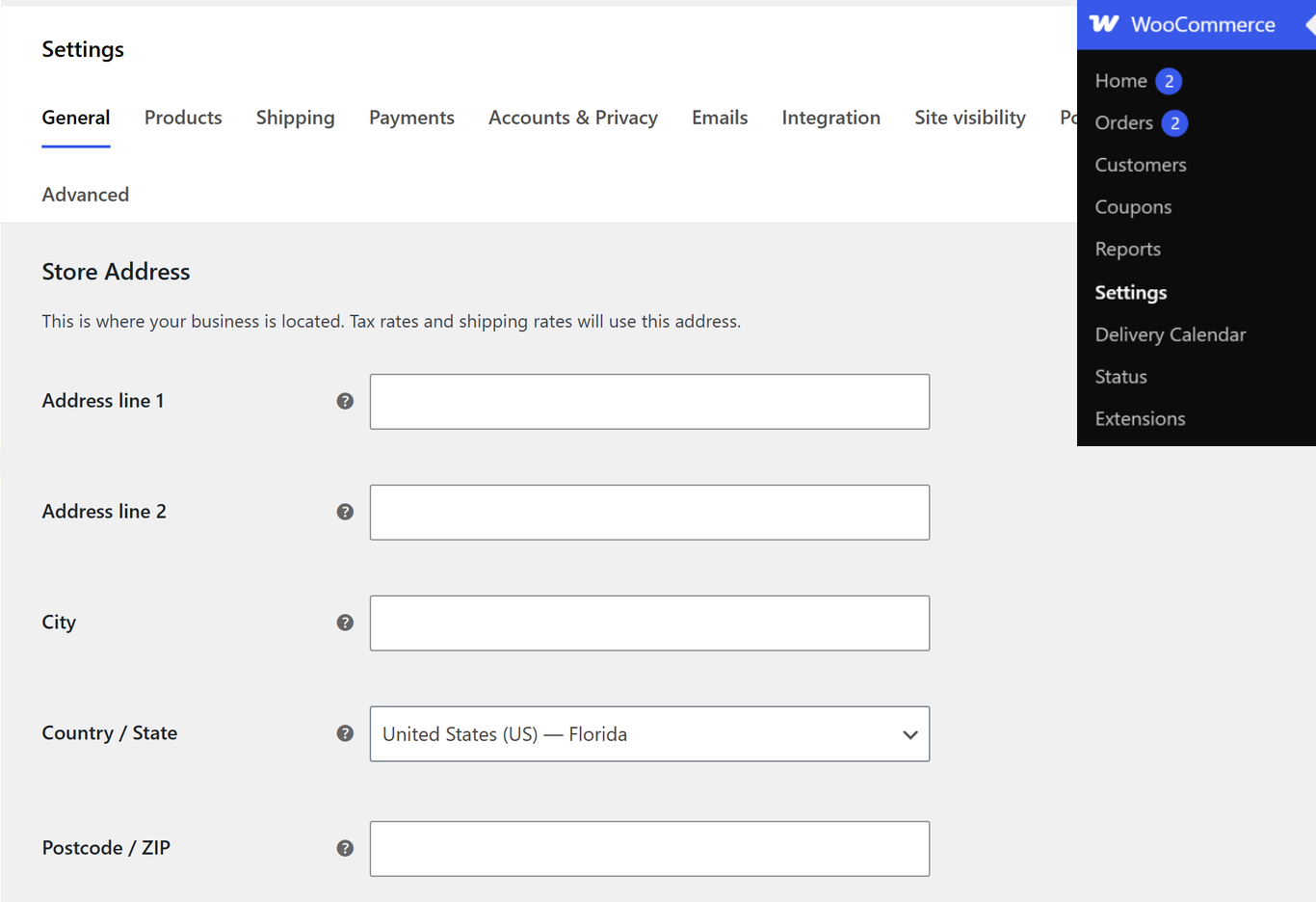
Payment support is part of the free plugin as well. WooCommerce ships with the hooks and settings that let a gateway plug straight in, and the gateway plugins themselves are free to install. What you pay is the processing fee on each sale, covered further down.
What you actually have to pay for
Three costs are genuinely unavoidable, and they belong to running an online store rather than to WooCommerce. You would pay a version of all three on a hosted platform too. The difference is that WooCommerce shows them to you separately instead of folding them into one monthly figure.
Hosting
Hosting is the one real recurring bill, and it is worth spending time on rather than defaulting to the cheapest option. A WooCommerce store runs database queries that a brochure site never touches, so the bottom tier of shared hosting tends to struggle once the catalogue and the traffic grow.
Entry-level shared plans are the cheapest way in, usually a few dollars a month on introductory pricing. Managed WordPress hosting costs several times more and earns it through caching, staging and support. The number that matters is the renewal price rather than the first-year promotional rate, because the promotional rate is the one that ends. Our fastest WordPress hosting tests carry current figures and measured speed results if you want to compare specific hosts.
A domain
A domain name is a small annual cost that nobody escapes, and most common extensions land between $10 and $20 a year. Many hosts include the first year free with an annual plan. Renewal is where the real price shows, so check it before you register.
Payment processing
Every processor takes a percentage of each sale plus a small fixed fee per transaction. That is true of Stripe, PayPal, and every hosted platform's own checkout, and it is the one cost that scales with your revenue rather than sitting on a calendar, so a month with no sales costs you nothing.
Worth being clear about who charges what. Your processor sets that fee and keeps it, and WooCommerce adds nothing on top. Some hosted platforms do add their own fee when you use an external processor, which is a real difference rather than a marketing point.
What you can avoid paying for, and what each free option replaces
Most cost guides list the categories you might spend on and leave you to guess which ones you can skip. Here is the same list with the free alternative named, and with an honest note on what the free option costs you.
| The job | What stores usually buy | The free alternative | What you give up |
|---|---|---|---|
| Storefront design | A premium WooCommerce theme | Botiga, free on WordPress.org | Distraction-free checkout, side mini cart, size charts and the templates builder are Pro features |
| Product badges | A badge or label plugin | Merchant free, Product Labels module | Nothing significant at this scale |
| Product previews | A quick view plugin | Merchant free, Quick View module | Nothing significant at this scale |
| Express checkout | A one-click buy plugin | Merchant free, Buy Now module | Nothing significant at this scale |
| Pre-orders | A pre-order extension | Merchant free, Pre-Orders module | Nothing significant at this scale |
| Product search | A live search plugin | Merchant free, Real-Time Search module | Nothing significant at this scale |
| Checkout reassurance | A trust badge plugin | Merchant free, Trust Badge and Payment Logos modules | Nothing significant at this scale |
| Cookie consent | A consent plugin | Merchant free, Cookie Banner module | No granular consent logging for strict compliance regimes |
The theme row deserves a note. Botiga is a free WooCommerce theme in the WordPress.org directory, so the storefront line on your budget can genuinely read zero. If you want to compare it against the other free options before committing, our roundup of free ecommerce WordPress themes covers the field.
The plugin rows come from Merchant, which bundles 16 free modules into one plugin. Checked on WordPress.org on 19 September 2026, the free version sits at v2.3.2 with 9,000 active installs, and the 16 modules are Product Labels, Quick View, Buy Now, Pre-Orders, Real-Time Search, Animated Add to Cart, Add to Cart Text, Trust Badge, Payment Logos, Clear Cart, Scroll to Top, Auto External Links, Cart Count Favicon, Inactive Tab Message, Agree to Terms Checkbox and Cookie Banner. Each one is a toggle, so you switch on what the store uses and leave the rest off.
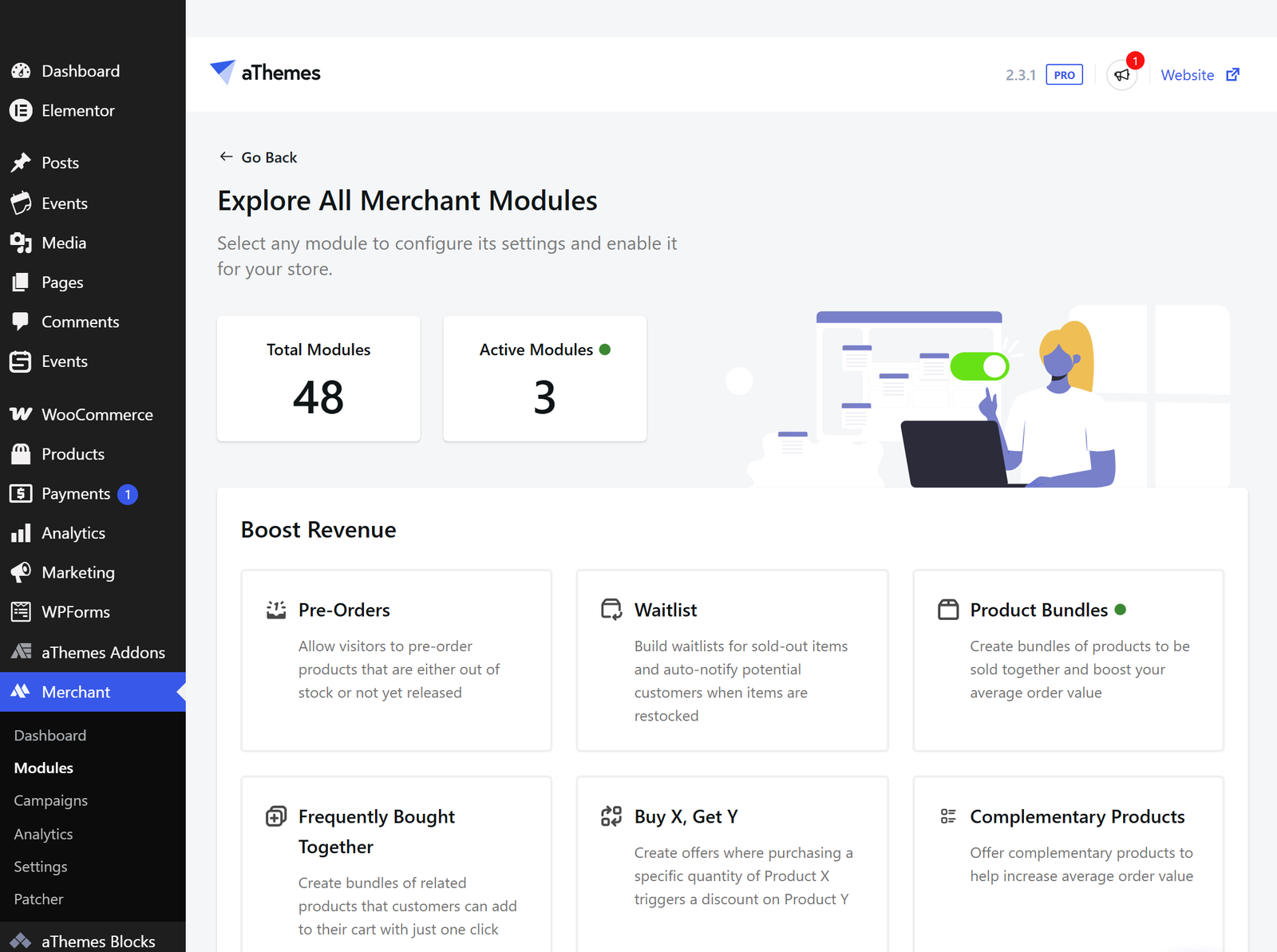
The saving here is real but worth stating plainly. Buying those functions as separate plugins means paying several subscriptions and then keeping all of them updated and talking to each other. One free plugin covering the same ground is the single biggest reason a small WooCommerce store can launch at close to zero. For the wider picture on what else is worth installing, see our list of the best WooCommerce plugins.
Where the free route actually stops
The free stack has a boundary, and it is worth knowing where it sits before you plan around it.
Merchant's revenue features belong to the Pro version, which is the first place the free stack runs out. Frequently Bought Together, Product Bundles, Bulk Discounts, Buy X Get Y, Free Gifts and Advanced Reviews all sit behind the paid tier, along with campaign scheduling and built-in analytics. If your plan depends on bundling or running BOGO offers, budget for it rather than assuming the free modules cover it.
Some functions are paid no matter who you buy them from. Subscriptions and recurring billing, appointment or rental bookings, memberships, advanced shipping rules based on weight and dimension, and multi-vendor marketplaces are all paid extensions, whether they come from the WooCommerce marketplace or an independent developer. Most of them carry annual subscription pricing that renews every year, so they belong in the running-cost column rather than the setup column.
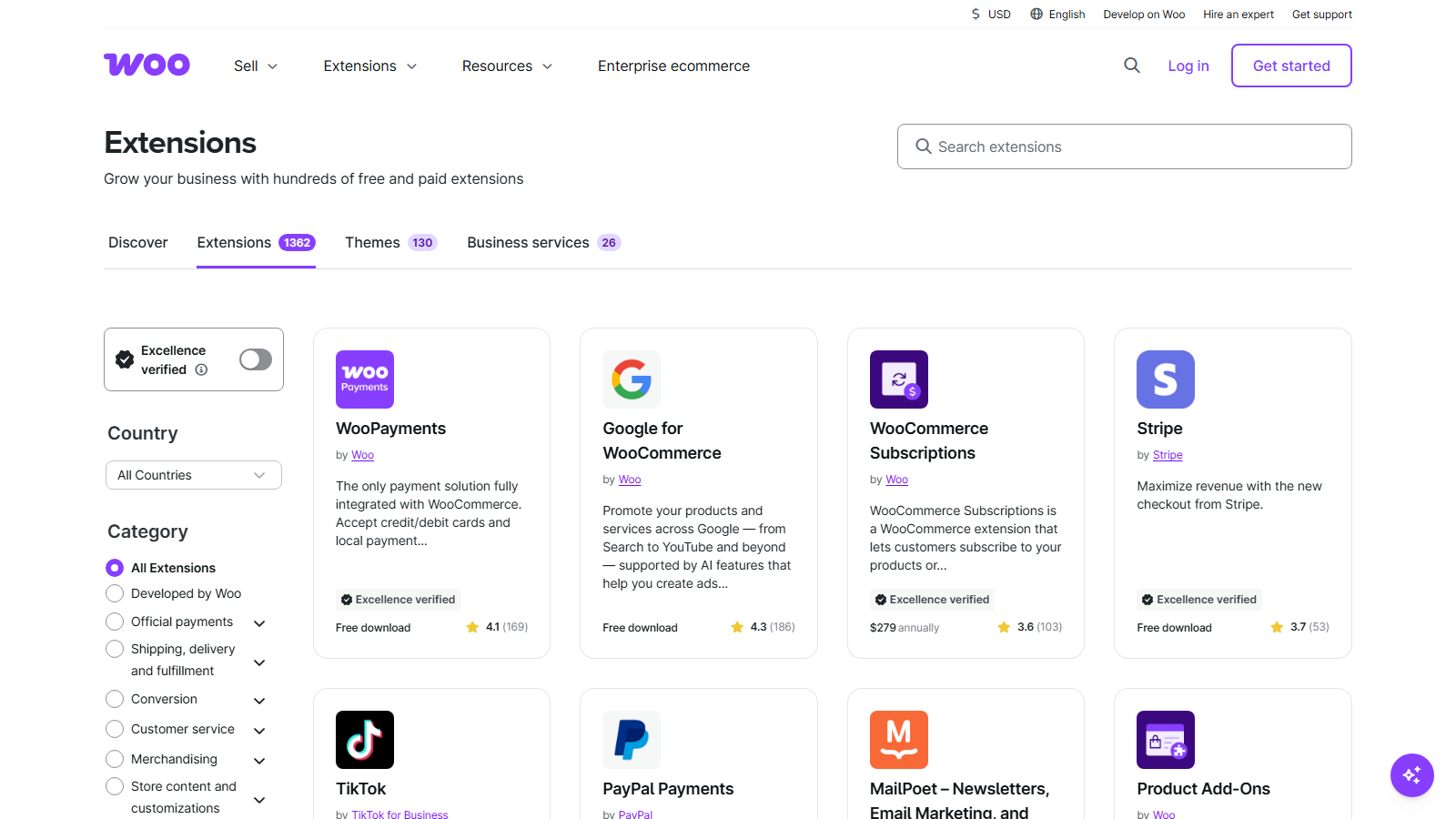
That modularity is why the bill matches what your store actually does. A store selling 30 physical products pays for none of the above. A store selling annual memberships with booked appointments pays for two of them, and would pay for the equivalent on any platform.
A realistic first-year cost for a small store
Here is the whole first year for a small store selling physical products, with ranges rather than invented precision.
- Domain: $10 to $20 for the year, sometimes free with an annual hosting plan
- Hosting: the largest fixed cost, and the one worth researching properly, since entry-level shared plans and managed WordPress hosting sit several times apart
- SSL certificate: free, because almost every host now issues Let's Encrypt certificates automatically
- Theme: $0 on Botiga free
- Plugins: $0 on WooCommerce plus Merchant free
- Payment processing: a percentage of each sale plus a fixed fee, so it is $0 until you sell something
The pattern is clearer once it is written out. Your fixed, unavoidable first-year outlay is a domain plus hosting. Everything else on the list is either free or proportional to sales, which means the store does not cost you money while it is waiting for its first order.
Speed is worth factoring in here too, because a slow store converts worse and hosting is the usual culprit. If you are choosing a theme on that basis, our fastest WooCommerce themes comparison measures the front-end side of it.
Is WooCommerce cheaper than Shopify?
For a small store, usually yes, and the reason is structural rather than a discount. Shopify bundles hosting, security and support into one monthly subscription. WooCommerce unbundles them, so you buy hosting yourself and pay nothing for the software.
The gap narrows as the store gets more specialised. Once you need subscriptions, bookings and advanced shipping, you are buying extensions that a Shopify plan might partly cover through its own app store, and the two totals move closer together. The honest version of the answer depends on what your store needs to do rather than on the platform's list price, which is why a feature-by-feature comparison is a better guide than a price comparison.
FAQs about WooCommerce pricing
WooCommerce pricing comes up constantly for anyone weighing it against a hosted platform. Here are the questions store owners ask most often.
Is WooCommerce completely free?
The plugin is completely free, with nothing locked behind a paid tier and no commission taken on what you sell. The store around it has costs, mainly hosting, a domain and payment processing fees, and those exist on every platform.
What do you have to pay for with WooCommerce?
Hosting, a domain name and payment processing fees are unavoidable. Paid extensions are optional and depend entirely on what your store sells, so a simple store selling physical products can run indefinitely without buying one.
Is WooCommerce cheaper than Shopify?
For a small store, WooCommerce is usually cheaper, because you pay for hosting rather than a monthly software subscription. The advantage shrinks once you add several paid extensions, so compare against what your store actually needs.
Do you need paid extensions for WooCommerce?
Not for a straightforward store. Free plugins cover product display, search, checkout reassurance and consent, and Merchant free bundles 16 of those functions into one plugin. Paid extensions become necessary for subscriptions, bookings, memberships and advanced shipping rules.
How much does it cost to run a small WooCommerce store?
Your fixed costs are a domain at $10 to $20 a year plus hosting, and hosting is the figure worth researching. On a free theme and free plugins, everything else is either $0 or a percentage of sales you have already made.
Final thoughts on WooCommerce pricing
The software on a WooCommerce store can cost you nothing at all. The plugin is free, the theme can be free, and the 16 free Merchant modules cover most of what stores used to buy plugins for. What you are really budgeting for is hosting, a domain, and the processor's cut of each sale.
If you are starting out, build the free stack first and let the store tell you what it needs. Paying for bundling, subscriptions or bookings makes sense once you can point at the orders that justify it, not before.
What is the first thing you expect to pay for on your store? Share your thinking in the comments below.

Related Posts