You are looking at WooCommerce as the platform for a dropshipping store, and the guides you have found are all about which plugin to install. That question has an easy answer, and answering it will not tell you whether the store is going to work.
The part those guides skip is the arithmetic, and it is where the decision actually lives. Your margin after every fee comes first, then the delivery window your customers will really accept, then the awkward fact that four hundred other stores are selling the same products. This guide covers all three before the setup, and finishes with the part a theme company actually has something to say about.
Table of Contents
- Can WooCommerce do dropshipping? Yes, but read this first
- The margin maths
- The shipping-time problem
- Three ways dropshipping stores fail
- How to set up a dropshipping store on WooCommerce
- Make the store look like nobody else's
- WooCommerce or Shopify for dropshipping?
- FAQs about WooCommerce dropshipping
- Final thoughts on WooCommerce dropshipping
Can WooCommerce do dropshipping? Yes, but read this first
WooCommerce handles dropshipping well, and it is the cheapest serious option. A supplier plugin imports products, syncs stock and forwards orders automatically, and WooCommerce takes no commission on anything you sell, which matters more here than on almost any other kind of store.
The software is the easy part, and it is the part every guide covers. The hard parts are the margin after fees, the shipping window your customers will accept, and the fact that your products are also being sold by everyone else who found the same supplier. Those three between them decide whether the store ever makes money.
This article takes them in that order, because building the store before checking the maths is how most dropshipping attempts end.
The margin maths
Work a real example rather than a percentage. Say you sell a product for $30.
- Product cost from the supplier: $9
- Supplier shipping: $4
- Payment processing: roughly 3% plus a fixed fee, so about $1.20
- Advertising to get one sale: $8 at a modest cost per acquisition
- Refunds and disputes: budget 3% of revenue, so about $0.90
That leaves $6.90 on a $30 sale, before you have paid for hosting, your supplier plugin subscription, or an hour of your own time. It is a real margin, and it is thin enough that one bad month of ad costs erases it.
Two numbers in that list do most of the damage. Advertising is the largest single line for almost every dropshipping store, and it rises as competitors bid on the same products. Refunds look small as a percentage and hurt disproportionately, because a refunded order costs you the product, the shipping and the ad spend that produced it.
The test worth applying before you build anything is simple. Work the same table with your own numbers, then double the advertising line and see whether the store still makes money. If it does not survive that, the model needs a higher-priced product rather than a better plugin.
The shipping-time problem
Long delivery windows are the most common reason dropshipping stores collect refunds and chargebacks. A customer who was never told the estimate before paying reads a three-week wait as your store failing them, and they are not wrong to, because nobody warned them.
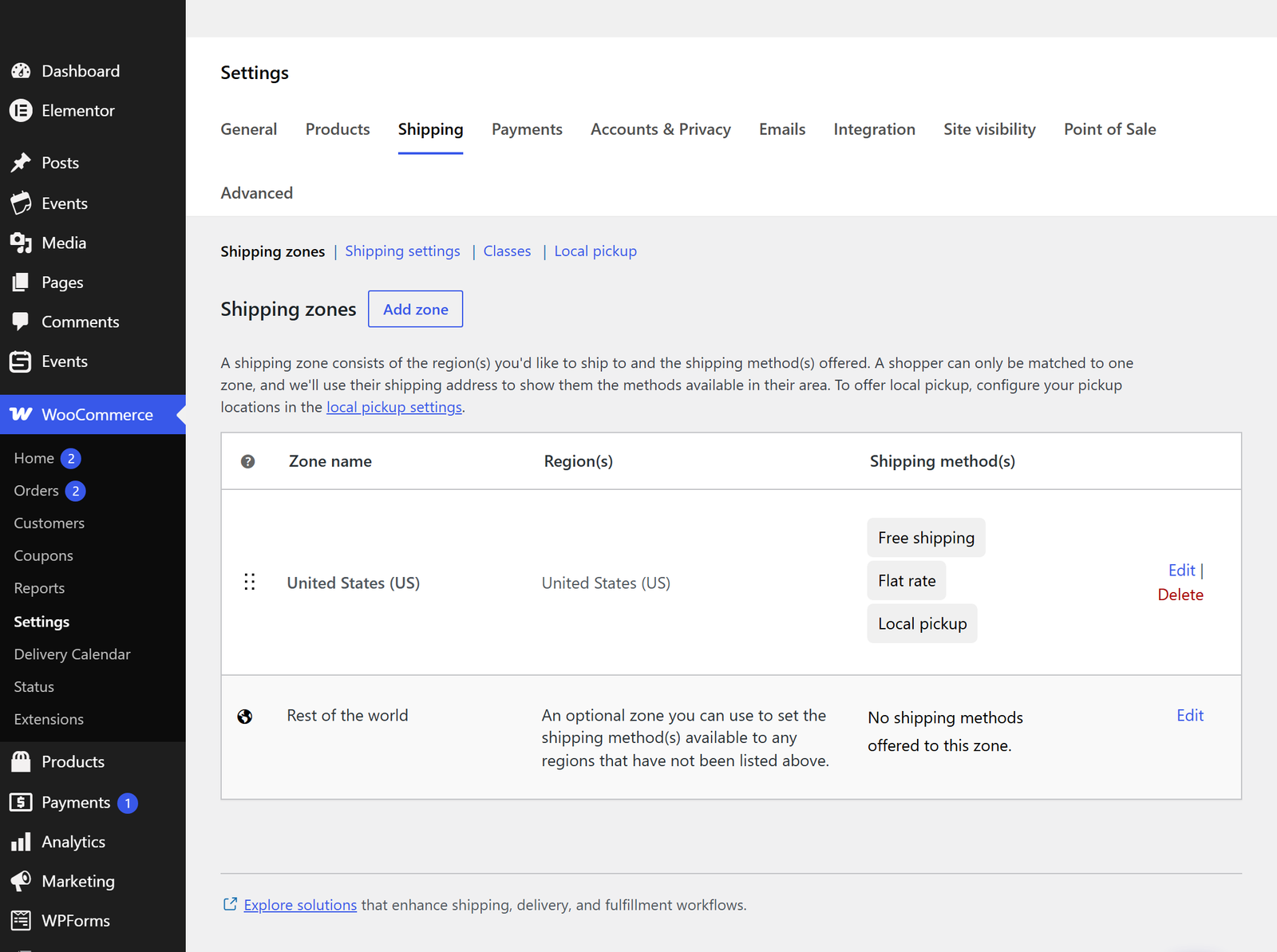
Put the delivery window on the product page, above the add-to-cart button, in plain text. It costs you some conversions, and it prevents refunds, chargebacks and one-star reviews that cost considerably more.
Three things make the problem smaller, and all of them are worth doing.
- Pick regional suppliers: a warehouse in your customers' region is worth more than the margin you give up for it
- Send tracking immediately: most “where is my order” messages come from people who have simply heard nothing since checkout
- Repeat the estimate in the order confirmation: it is the email customers actually read, so the expectation lands twice
What does not work is hiding the delivery time and hoping. Payment processors treat chargeback ratios as a risk signal, and a store that crosses their threshold can lose its ability to take card payments at all, which is not a setback the business recovers from.
Three ways dropshipping stores fail
Almost every failed dropshipping store failed in one of three ways, and only the third is fully within your control.
- Margins too thin to absorb anything: the model works on paper and then an ad platform raises its rates, or a supplier raises a price, and the remaining margin disappears
- Shipping times customers will not accept: refunds and chargebacks rise, the payment processor notices, and the store loses the ability to take payments
- Being indistinguishable from every other store selling the same thing: the same products with the same supplier photographs and the same descriptions, and nothing that would make somebody choose you
You manage the first two rather than fixing them, and the third is genuinely solvable. It is also the one most stores never attempt, which is exactly what makes it worth your attention.
How to set up a dropshipping store on WooCommerce
The setup itself is well covered elsewhere and takes an afternoon. Here is the short version so you know what you are committing to.
Hosting and WordPress
Pick hosting that can handle a store rather than a blog, then install WordPress. A dropshipping store runs a lot of product-import and sync activity in the background, which is database work that cheap shared hosting handles badly.
Skip the theme decision for now and come back to it, because it matters more than the usual guides suggest and it gets its own section below.
WooCommerce and a supplier plugin
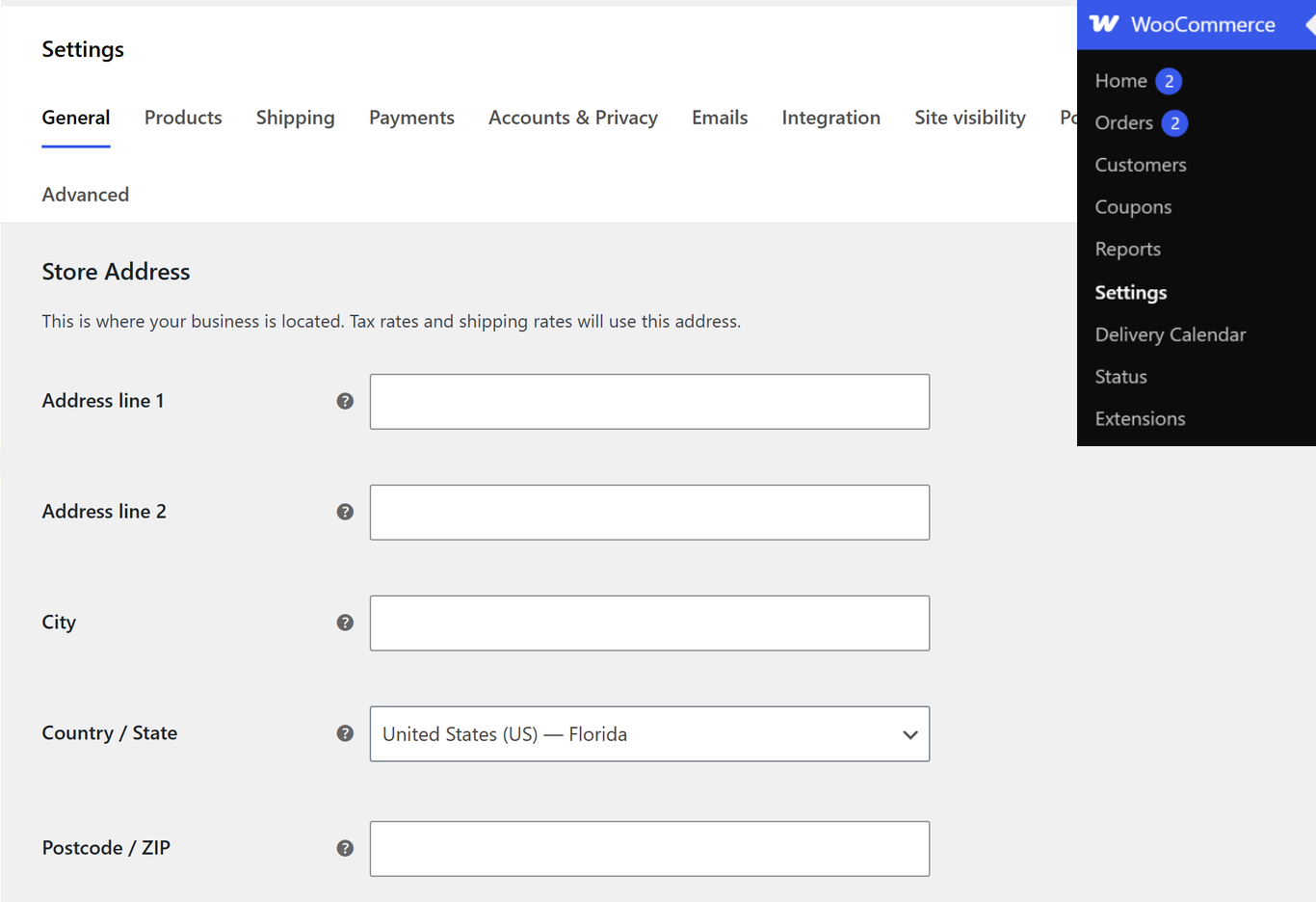
Install WooCommerce from Plugins » Add New, then run its setup wizard to set your currency, your store address and your tax handling.
Then install a supplier plugin. Which one depends entirely on where your products come from, since each plugin connects to a specific supplier network. Check what it actually does before committing, because they differ on three things that matter. The first is whether stock levels sync automatically, which decides whether you end up selling things that no longer exist. The second is whether orders reach the supplier without you forwarding them by hand, and the third is whether your prices update when the supplier's cost moves.
A plugin that imports products but does not sync stock will have you selling items that no longer exist, which is the worst version of the refund problem. Our guide to the best WooCommerce plugins covers the rest of the stack around it.
Products, pricing rules and automation
Import a small batch of products first rather than the supplier's whole catalogue. Twenty products you have reviewed will outperform two thousand you have not, and a catalogue full of near-duplicates is difficult to navigate and difficult to rank.
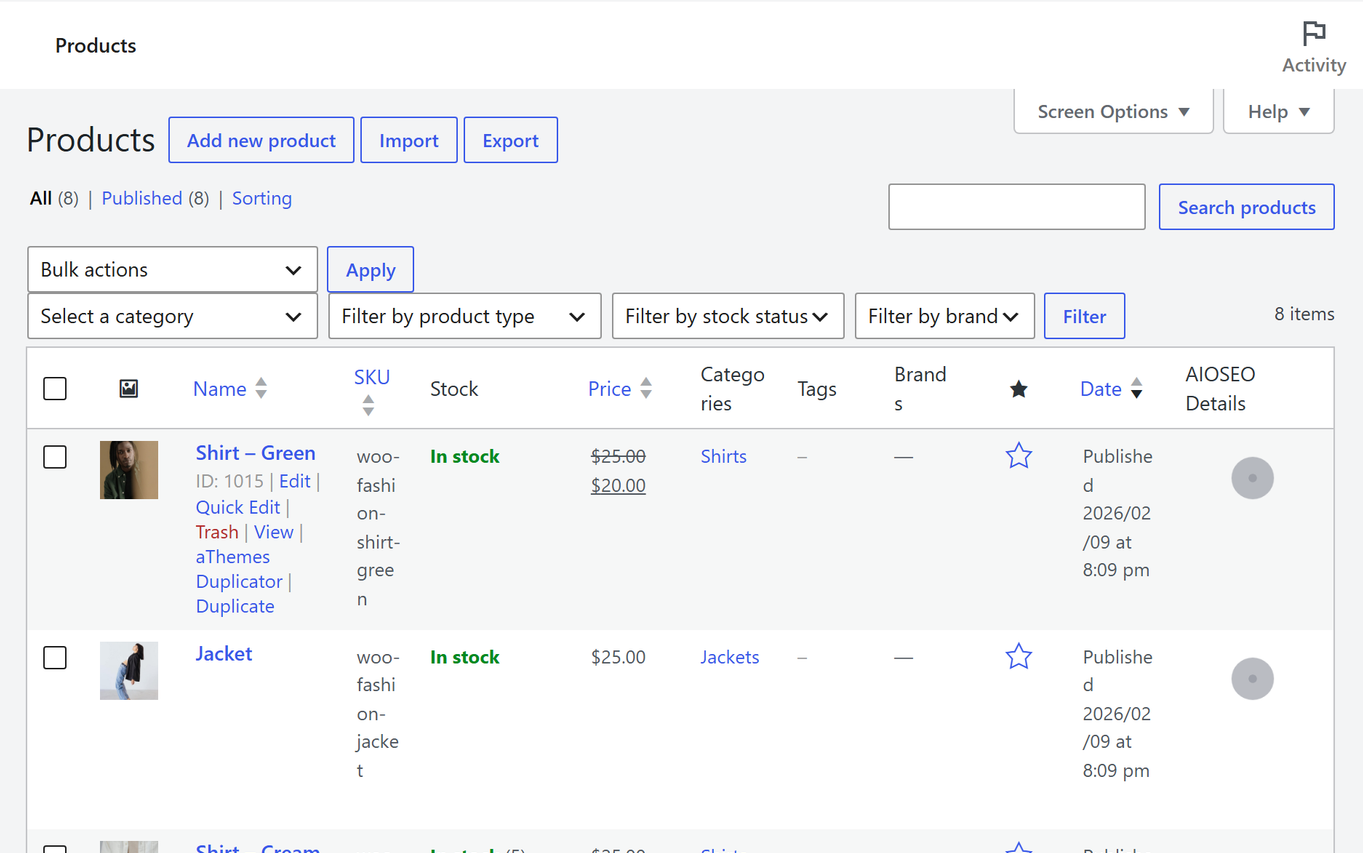
Set your pricing rule as a formula rather than product by product, so a supplier cost change flows through automatically. Most supplier plugins support a markup multiplier plus a fixed amount, which handles both the percentage costs and the flat ones.
Then rewrite the product titles and descriptions the supplier gave you. Every competitor selling that product is using the same text, and duplicate descriptions across hundreds of stores is a poor position to compete for search traffic from.
Make the store look like nobody else's
When your products are identical to everyone else's, the store is the only variable left. This is the part a theme company genuinely has something to say about, and it is where the work pays back.
Speed is the first impression, and often the only one. A dropshipping store usually arrives through a paid ad on a phone, and the page has a few seconds to load before the visitor leaves. A light theme is doing more work here than any conversion trick. Botiga is free and built for WooCommerce speed, our fastest WooCommerce themes comparison has the measured numbers, and our free ecommerce WordPress themes roundup covers the alternatives if you want to compare.
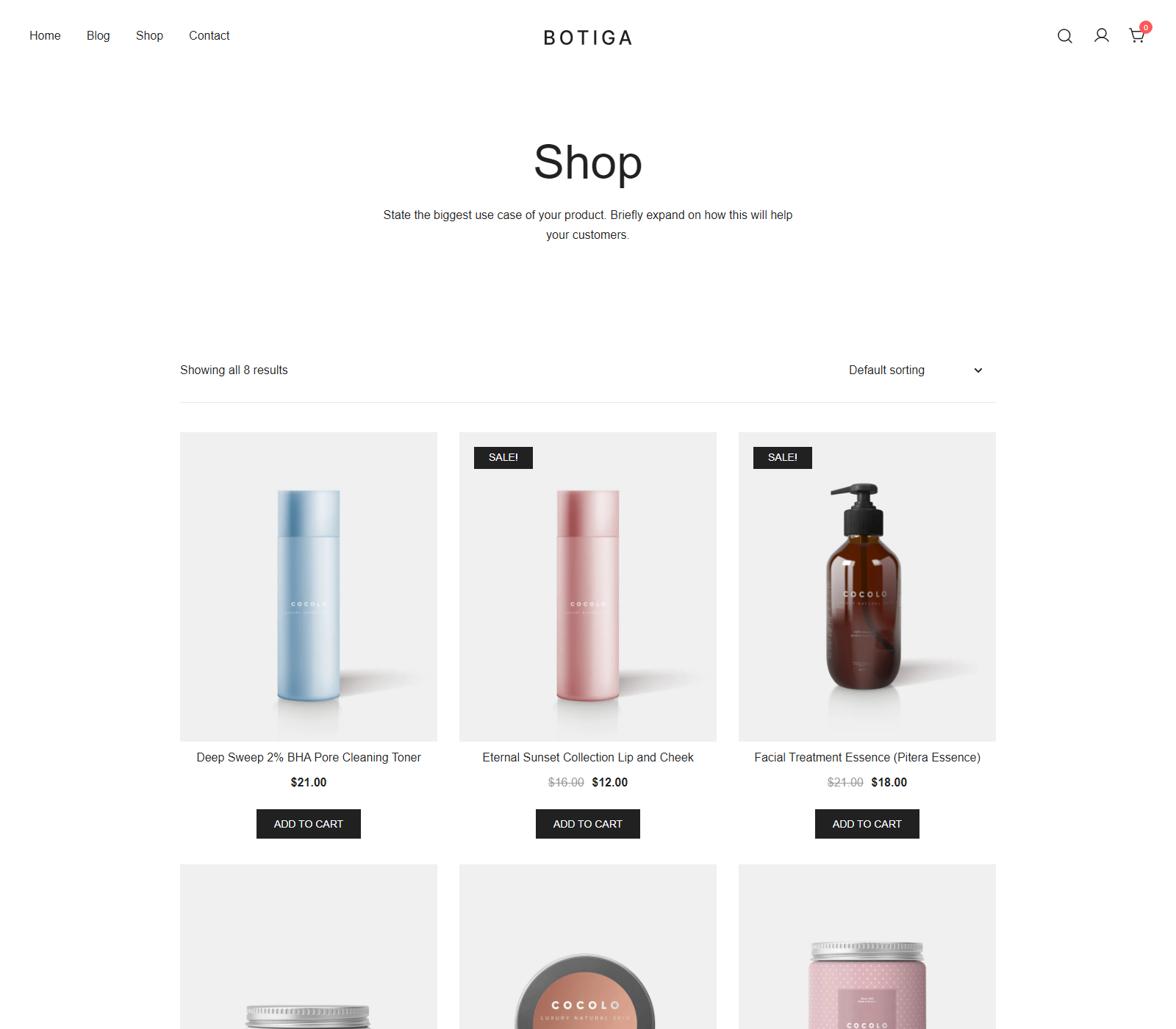
Photography is the cheapest differentiator nobody uses. Order a sample of your best-selling product, photograph it on a plain background, and use those images instead of the supplier's. It costs one product and an hour, and it puts you in a different category from every store using the same stock shot.
Trust signals matter more when the brand is unknown. Merchant includes Trust Badge and Payment Logos in its free tier, both verified on WordPress.org on 20 September 2026, and both do exactly what a first-time visitor to an unfamiliar store needs. The free Pre-Orders module is worth knowing about too, for products you are waiting on.
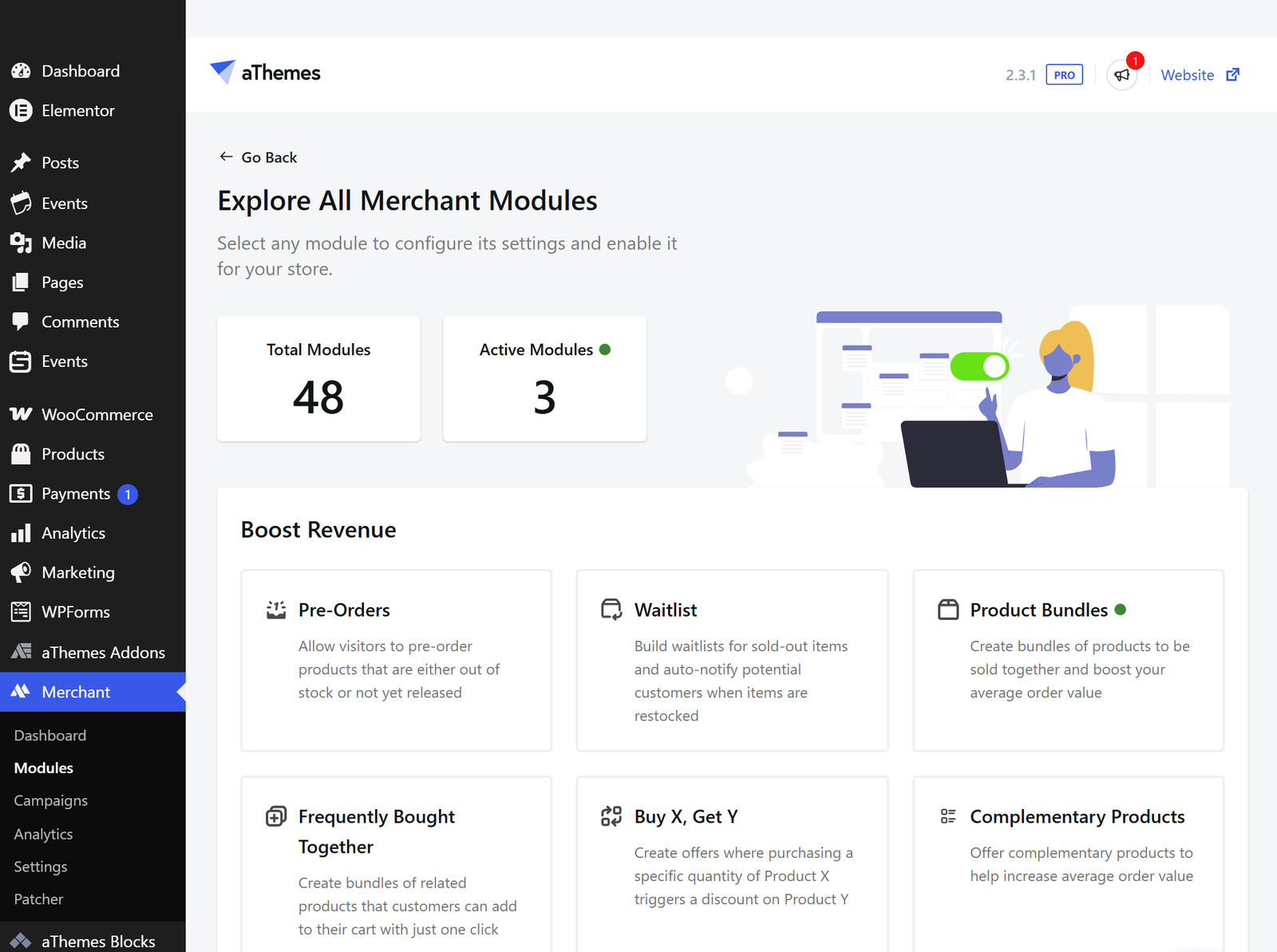
Merchant's urgency tools, Countdown Timer and Stock Scarcity, are Merchant Pro rather than free, so budget for them if scarcity messaging is part of your plan. Merchant is a conversion toolkit and has no dropshipping module, which means it will not import products or talk to your suppliers.
Honest copy outperforms urgency theatre, and it keeps outperforming it. A clear delivery estimate, a real returns policy and a working contact page do more for conversion on an unknown store than a countdown timer does, and they do not generate refunds later.
WooCommerce or Shopify for dropshipping?
Cost is where WooCommerce wins, and at dropshipping margins it is not a small win. The software is free, there is no platform fee on your sales, and both of those land directly in a margin that has very little slack.
What Shopify offers instead is speed to launch and one company responsible when something breaks, which matters most if you are testing a product idea quickly and have no appetite for running infrastructure. Our WooCommerce vs Shopify comparison works through the whole decision rather than just the dropshipping slice of it.
FAQs about WooCommerce dropshipping
Dropshipping questions come up constantly, and the same five turn up first. Here are direct answers.
Is WooCommerce good for dropshipping?
It is a strong fit for it. Supplier plugins handle product import, stock sync and order forwarding, and WooCommerce takes no commission on your sales, which protects a margin that is already thin. Expect supplier quality and advertising cost to be your real constraints.
How much does it cost to start dropshipping with WooCommerce?
The software is free, so your real costs are hosting, a domain, a supplier plugin subscription if your supplier needs one, and advertising. Advertising is by far the largest of those and the one worth budgeting seriously.
Is dropshipping still profitable?
It can be, at higher price points and in niches where advertising is not saturated. The generic low-cost product model is difficult now, because margins after advertising are thin enough that one cost increase removes them.
Can I move a dropshipping store from Shopify to WooCommerce?
You can, and most of the data comes across. Products, customers and past orders transfer by CSV, while your supplier connection is rebuilt with a WooCommerce supplier plugin rather than migrated. Budget time for a redirect map so the product URLs you have already advertised keep working.
Do I need a business licence to dropship?
That depends on where you live and where you sell, so check your local rules rather than a general guide. The usual requirements are a registered business, correct sales tax handling and accurate published returns terms, all of which your payment processor will eventually ask about.
Final thoughts on WooCommerce dropshipping
WooCommerce answers the plugin question well, and the plugin question was never the hard one. What deserves your time is whether the margin survives a doubling of your advertising cost, and whether you are willing to publish your real delivery window on the product page.
Work the margin table before you build anything, and be unkind to it. If it survives, spend the setup afternoon on a fast theme, your own product photographs and honest shipping copy, because when the products are identical those are the only things that belong to you.
What product are you thinking of starting with, and does its margin hold up when you double the ad spend? Tell me in the comments below.

Related Posts